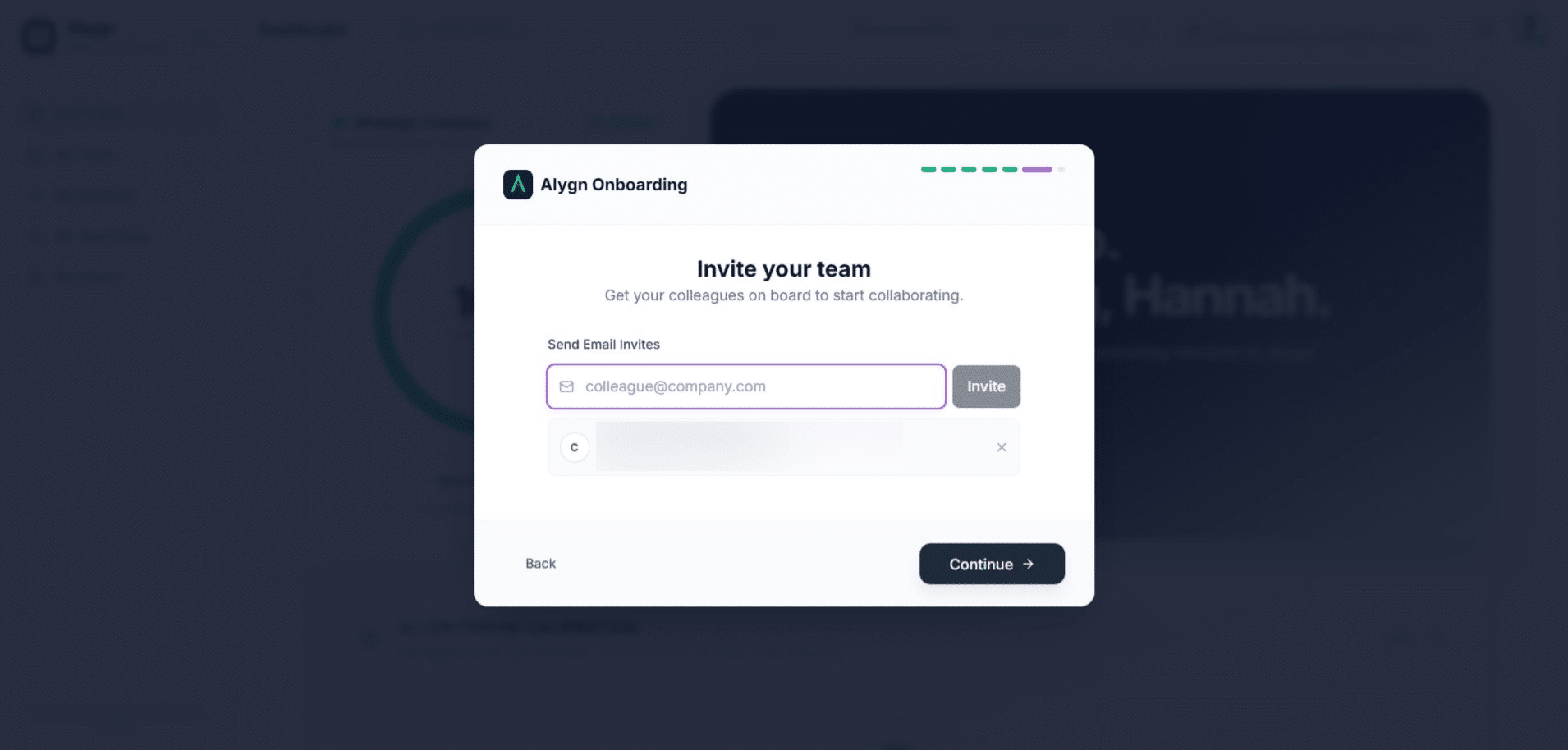
How to Invite Users to Your Team
Open your browser and go to https://getalygn.com/app to access the Alygn platform. This is the starting point for managing your team and sending invitations.
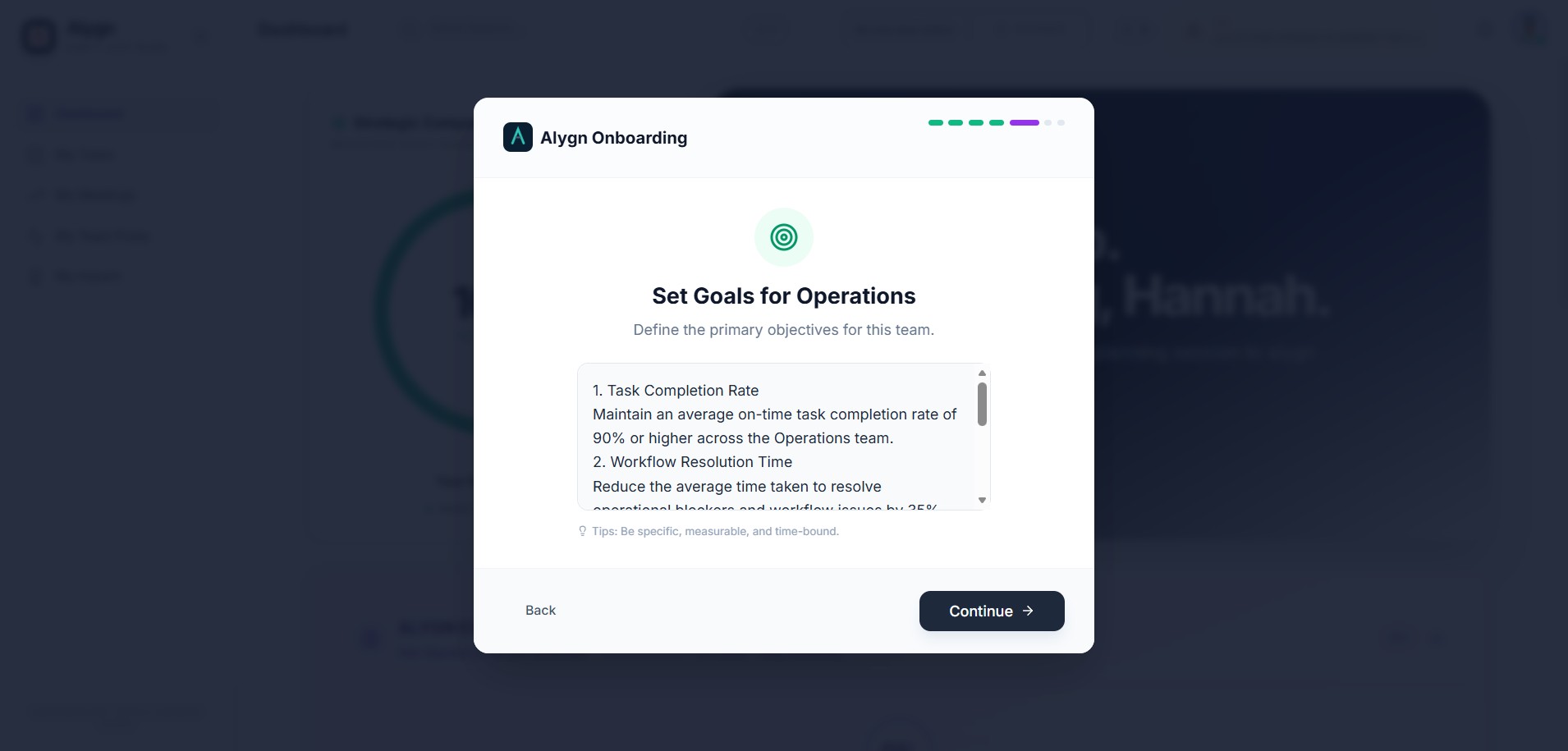
Review the onboarding goals displayed for your team, then click "Continue" to proceed to the next step of the setup process.
On the "Invite your team" screen, enter your colleague's email address in the "Send Email Invites" field and click "Invite" to send them an invitation to join your workspace.
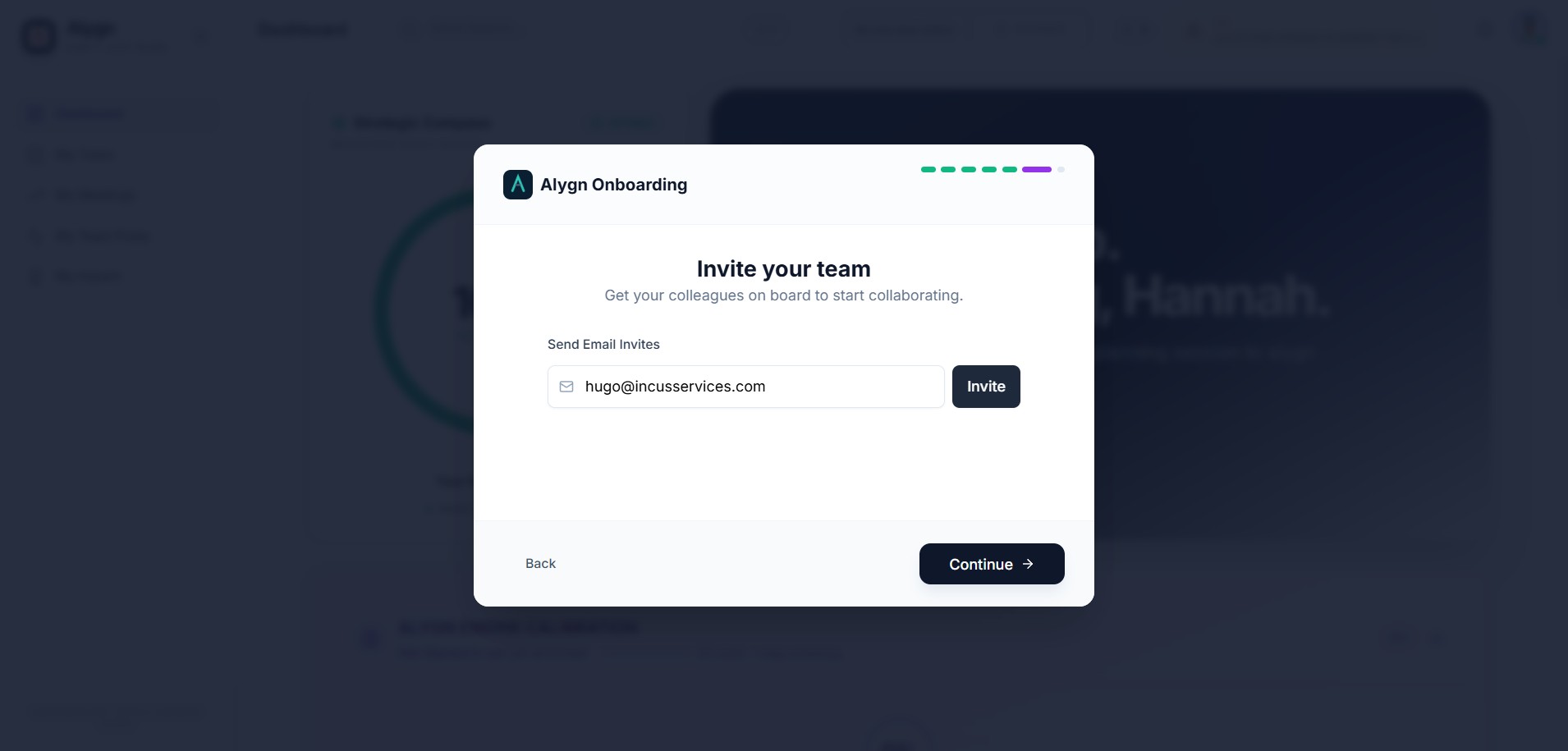
To invite an additional team member, enter another email address in the "Send Email Invites" field and click "Invite" again. Repeat this step for each person you want to add.
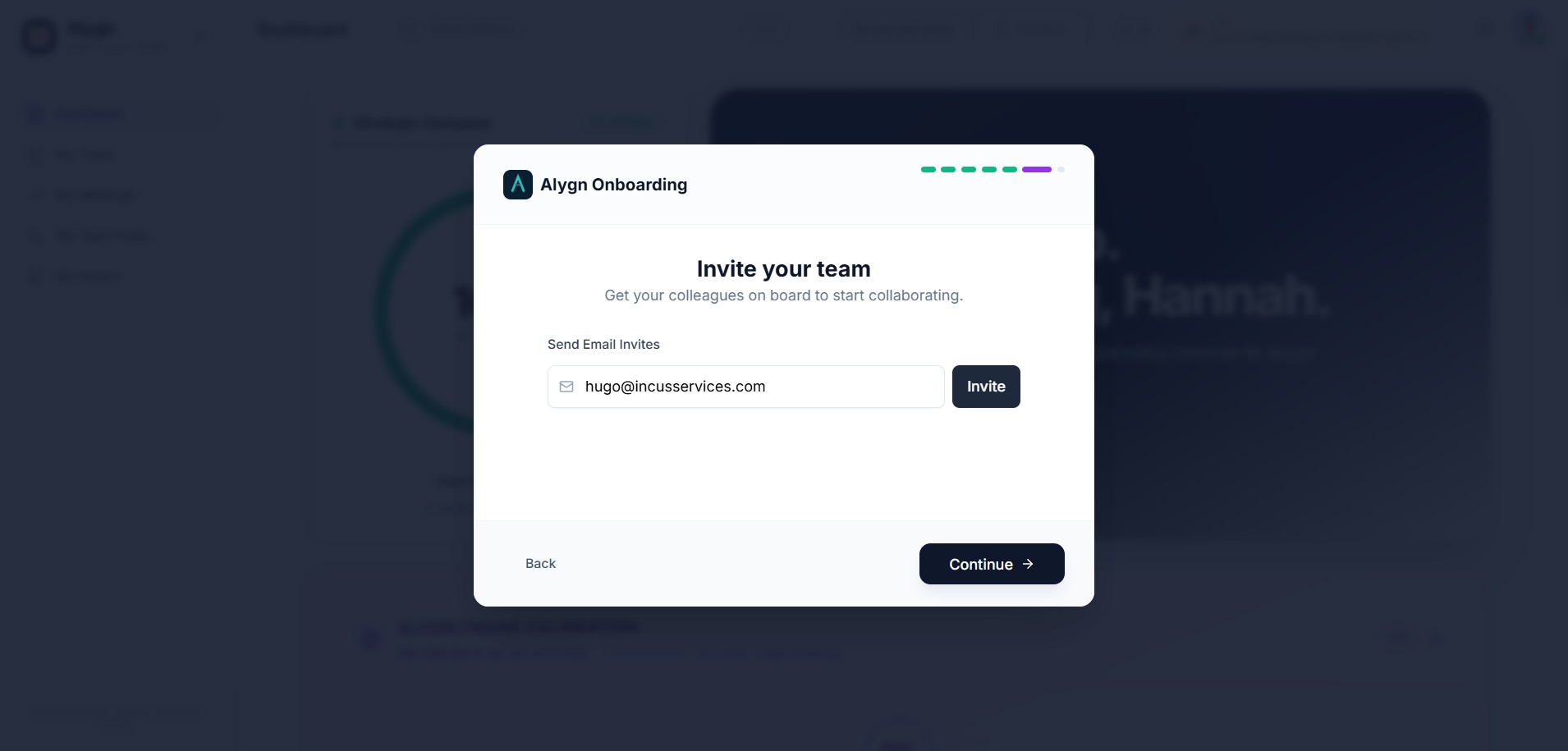
Once you have finished sending all invitations, click "Continue" to complete the onboarding process. Your invited team members will receive their email invitations and can join the workspace.