How to Review Your Outbound Radar
Jun 22, 2026●
1
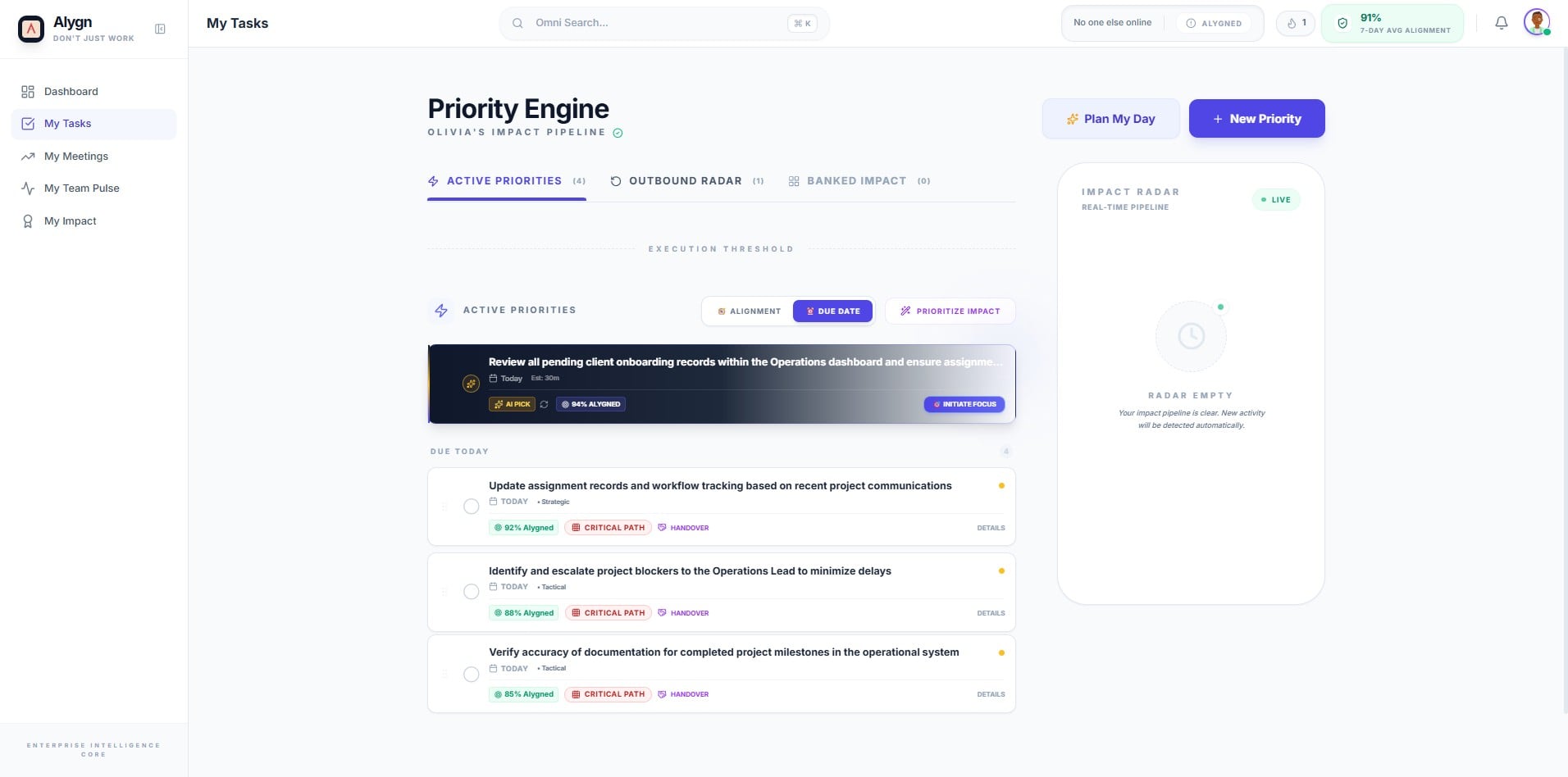
Open your browser and navigate to https://getalygn.com/app/tasks to access the My Tasks section of the Alygn platform. This is your starting point for accessing the Priority Engine and its views.
2
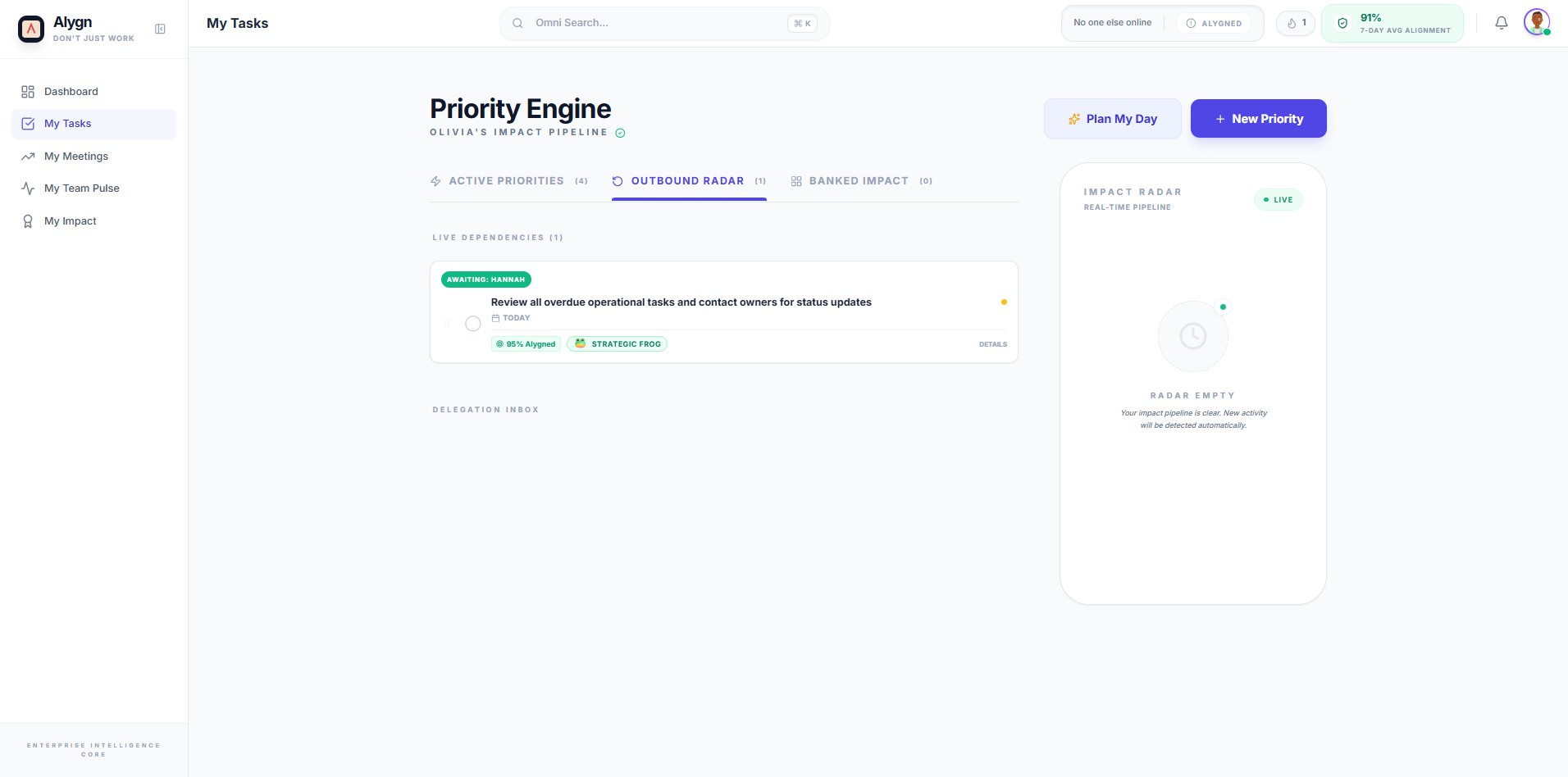
Click the Outbound Radar tab in the Priority Engine navigation bar. This view surfaces live task dependencies, delegation insights, and outbound priorities that require your attention across the team.
3
Your Outbound Radar is now open and ready to review. Use this view to assess live task dependencies, identify overdue items flagged for follow-up, and check your Delegation Index for tasks that may require reassignment or escalation.