Setting Up Your Personalized News Feed
Jun 26, 2025●
1
Navigate to https://incushub.com/user/dashboard and log in with your credentials.
2
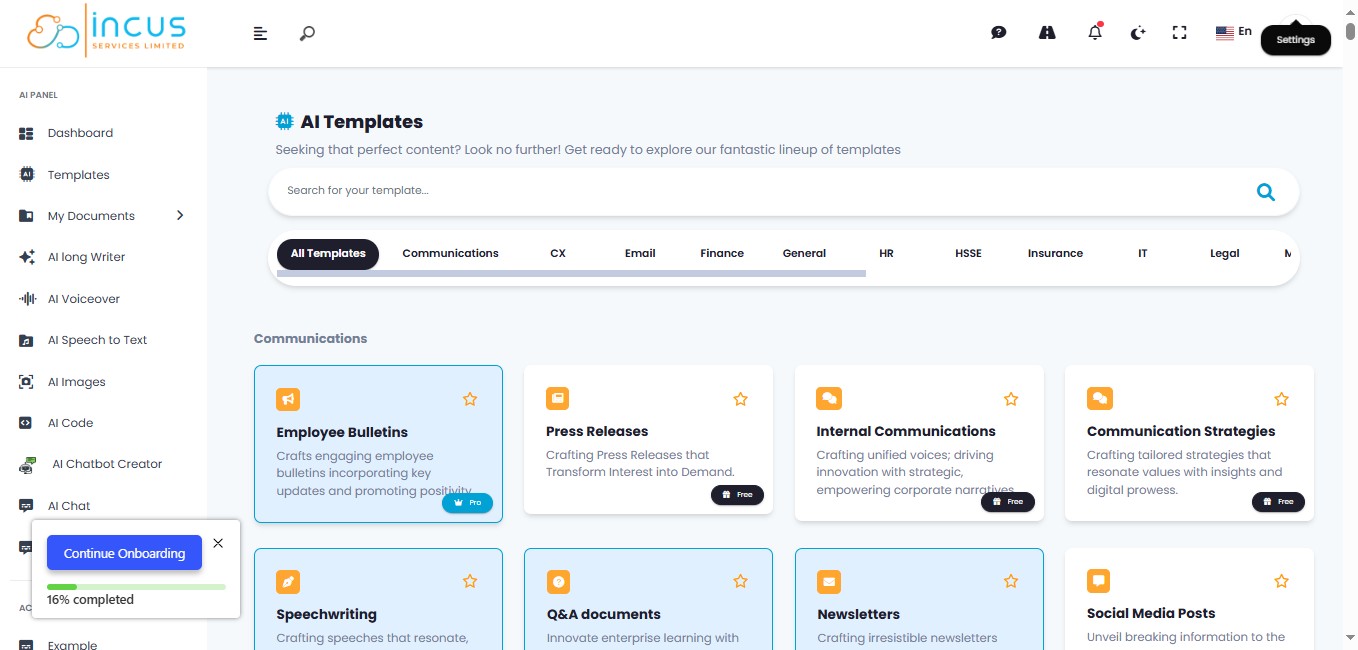
Click on "Settings" or Click on your Profile Picture
3
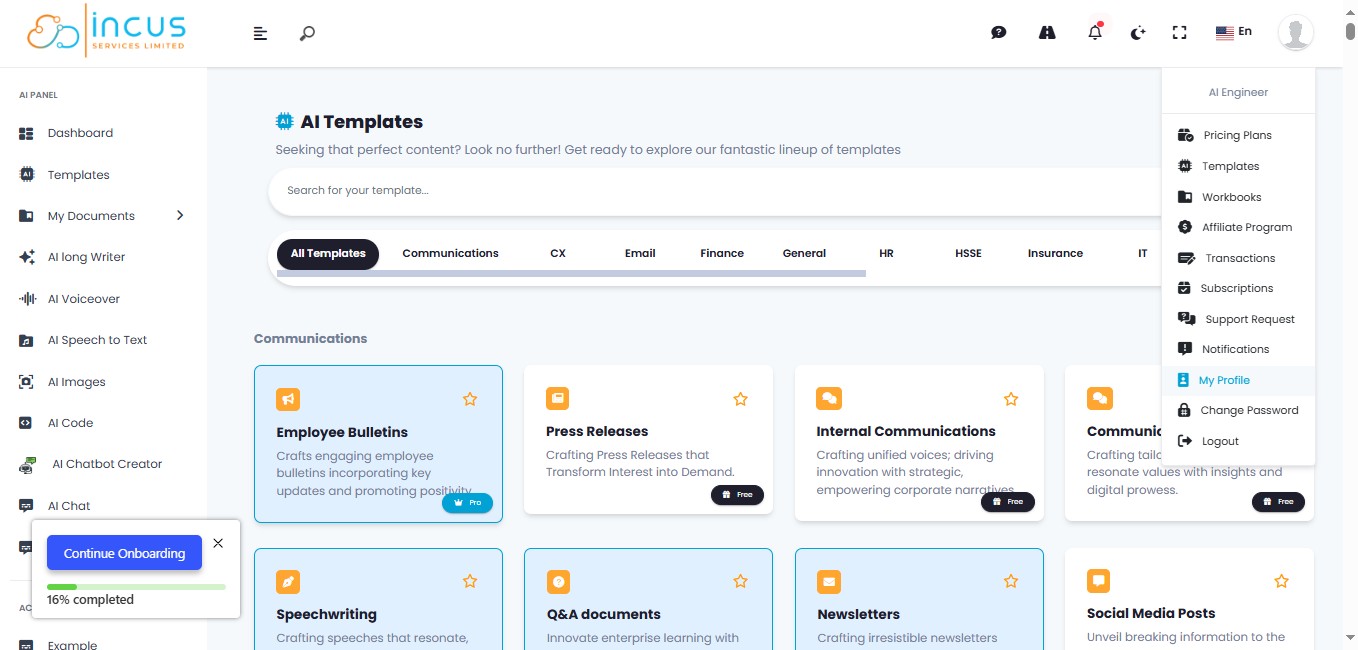
Click on "My Profile"
4
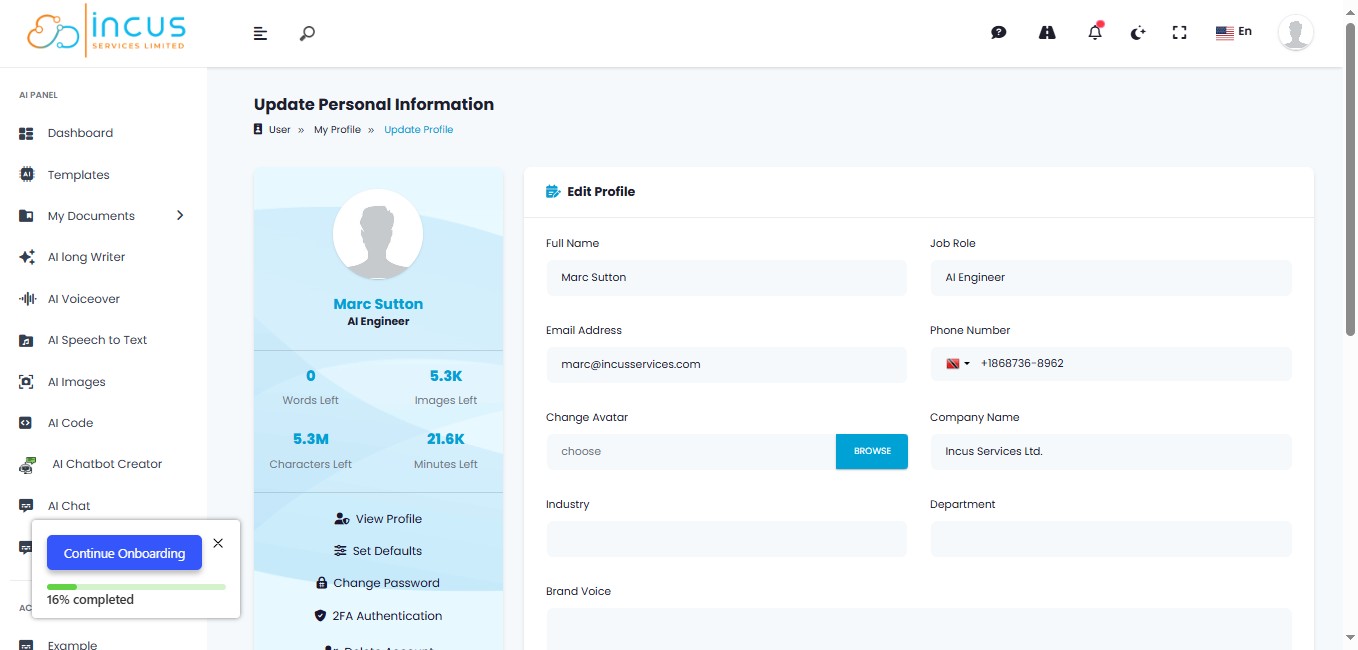
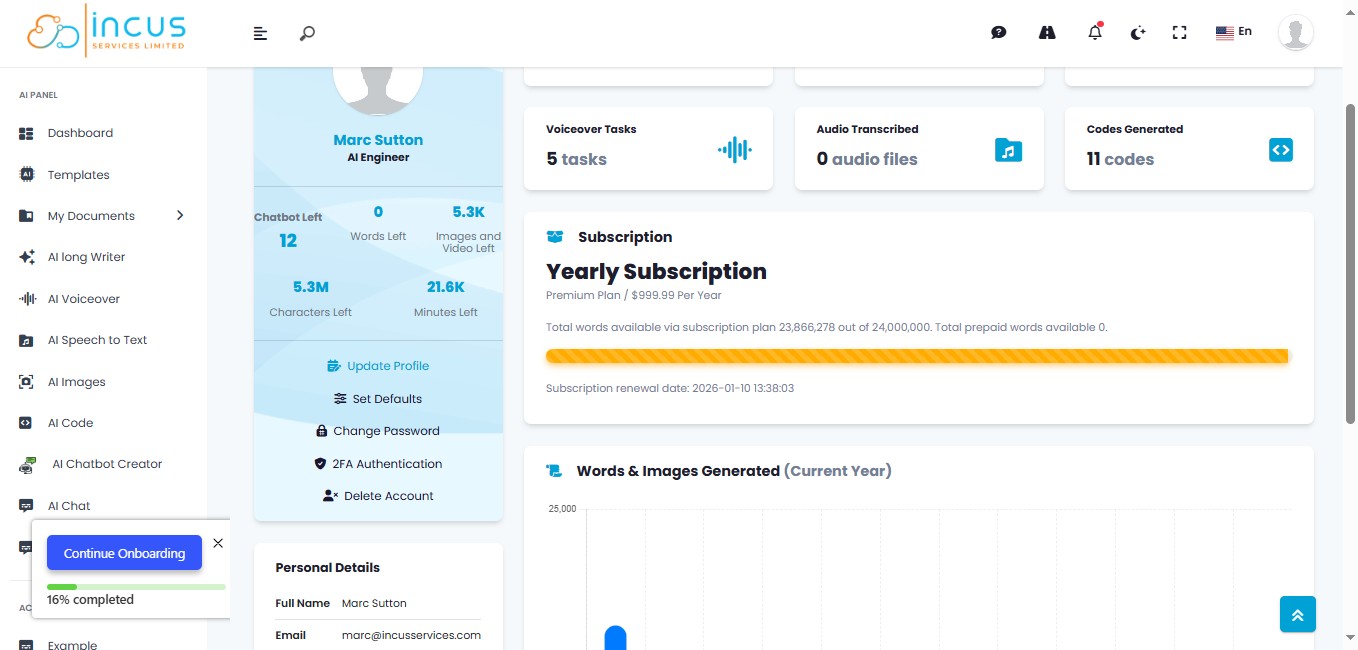
Click on "Update Profile"
5
Select your "News Feed" option from the Drop-down list.
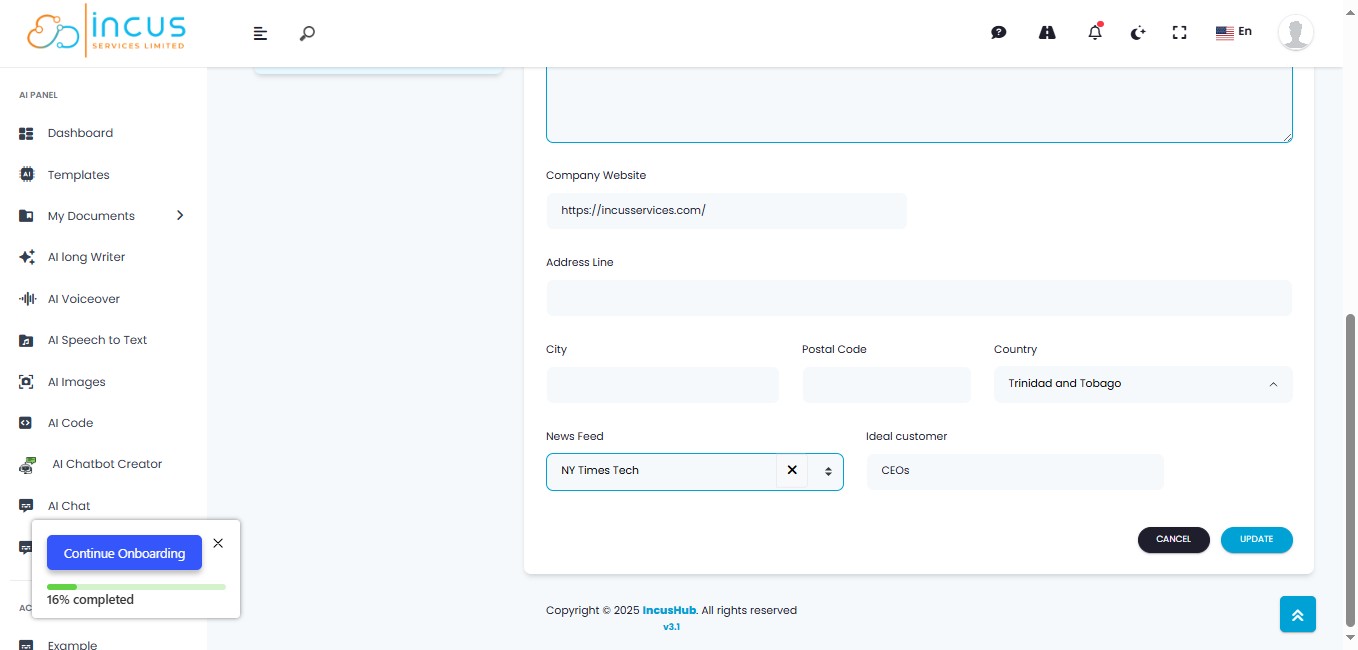
6
Type your Target Audience (Ideal Customer) e.g. CEO’s
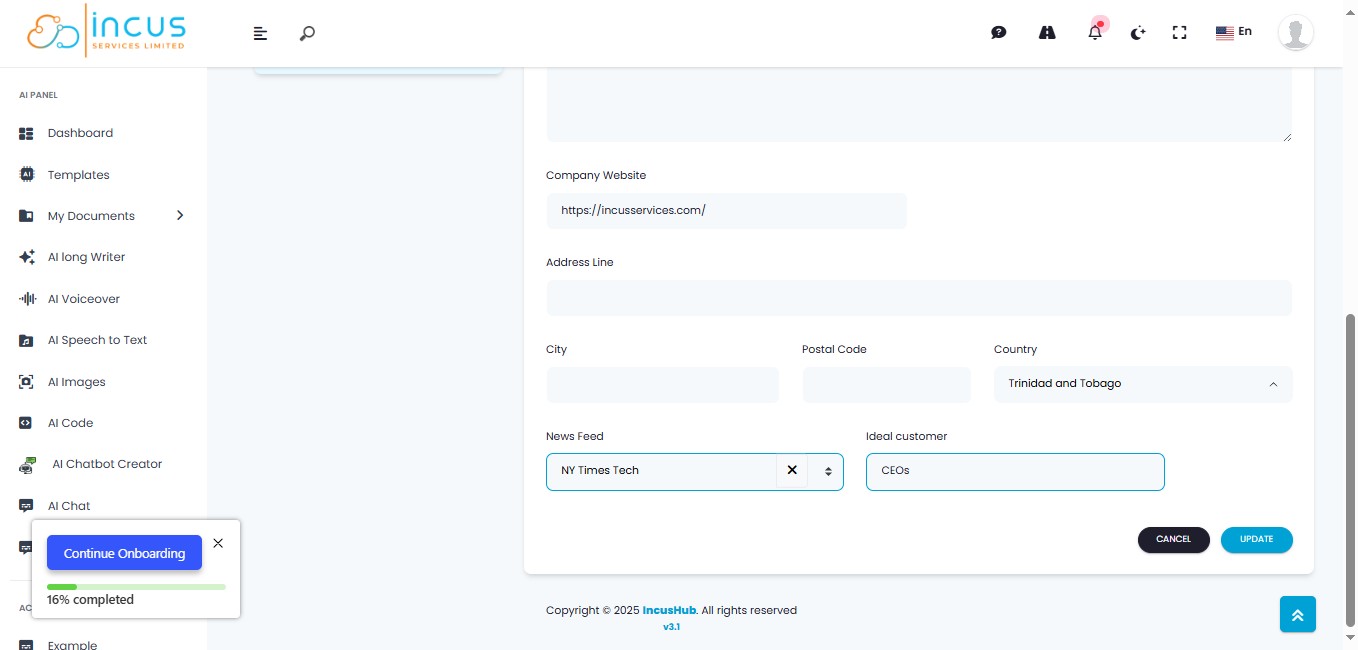
7
Click on "Update"
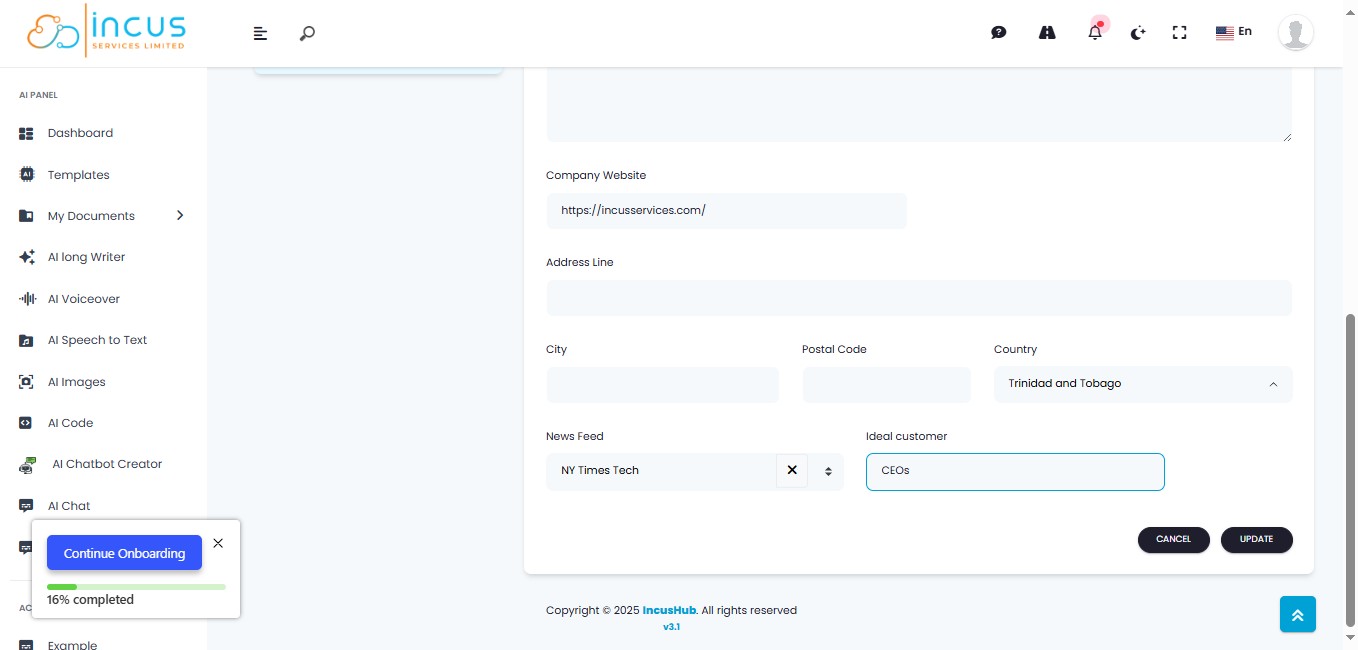
8
You're all Done! 🚀