How to Sign Up for an IncusHub Account
Jul 24, 2024●
1
Navigate to https://www.incushub.com
2
Click on "Sign Up"

3
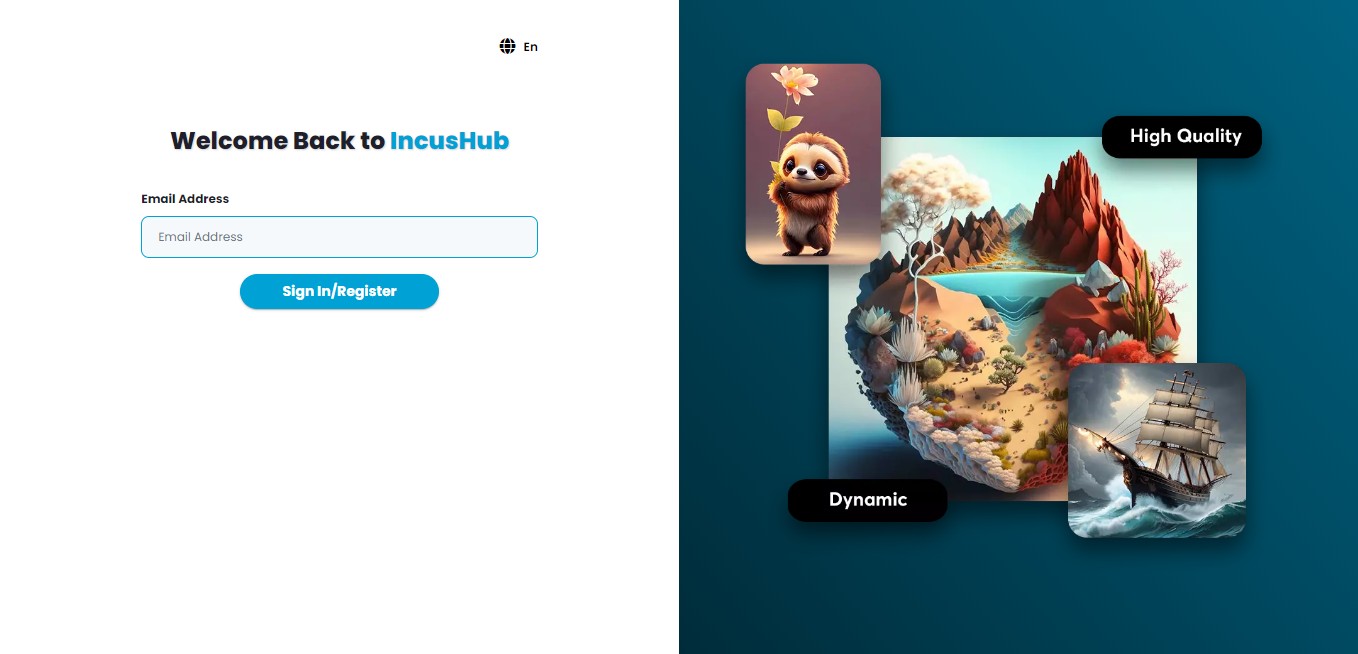
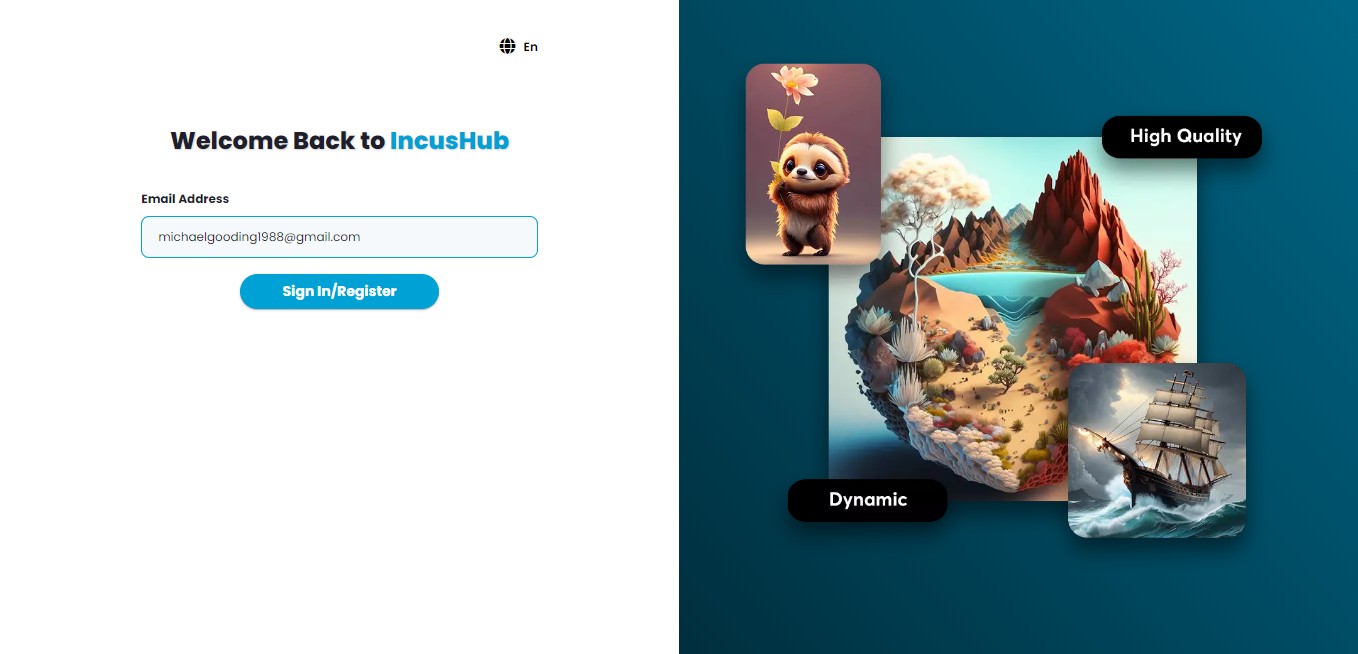
Enter your email address
4
Click on "SignIn/Register"
5
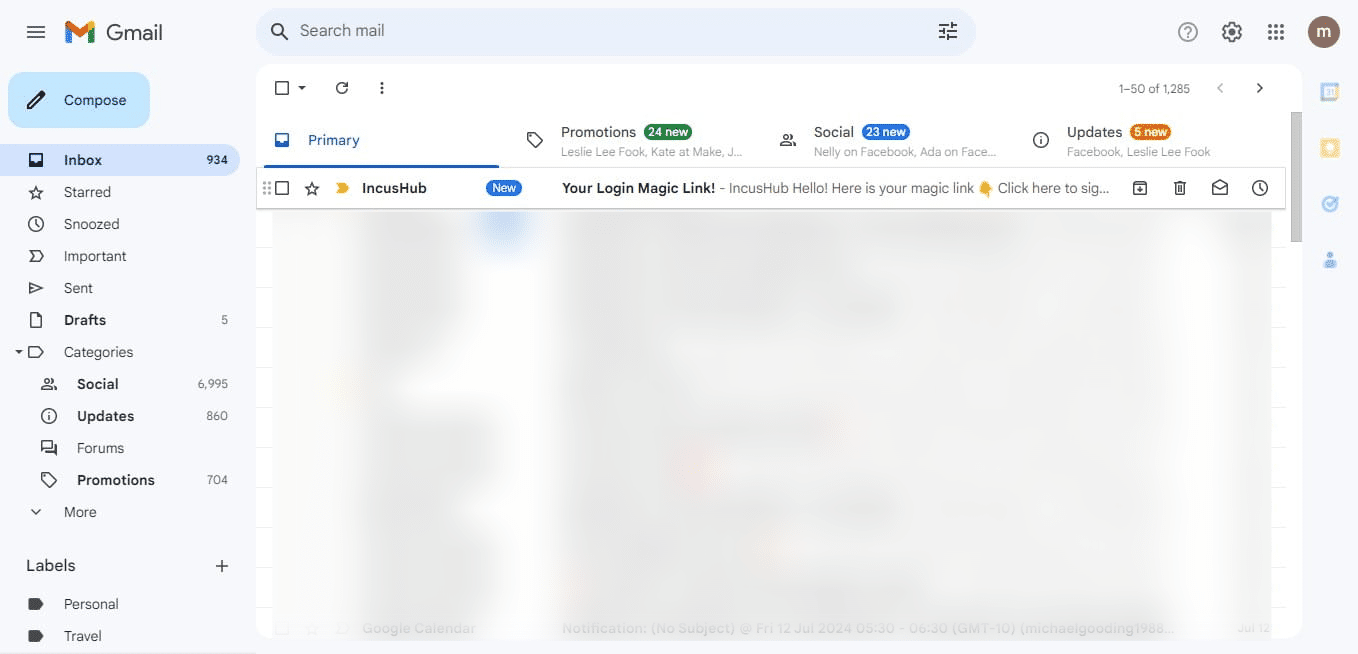
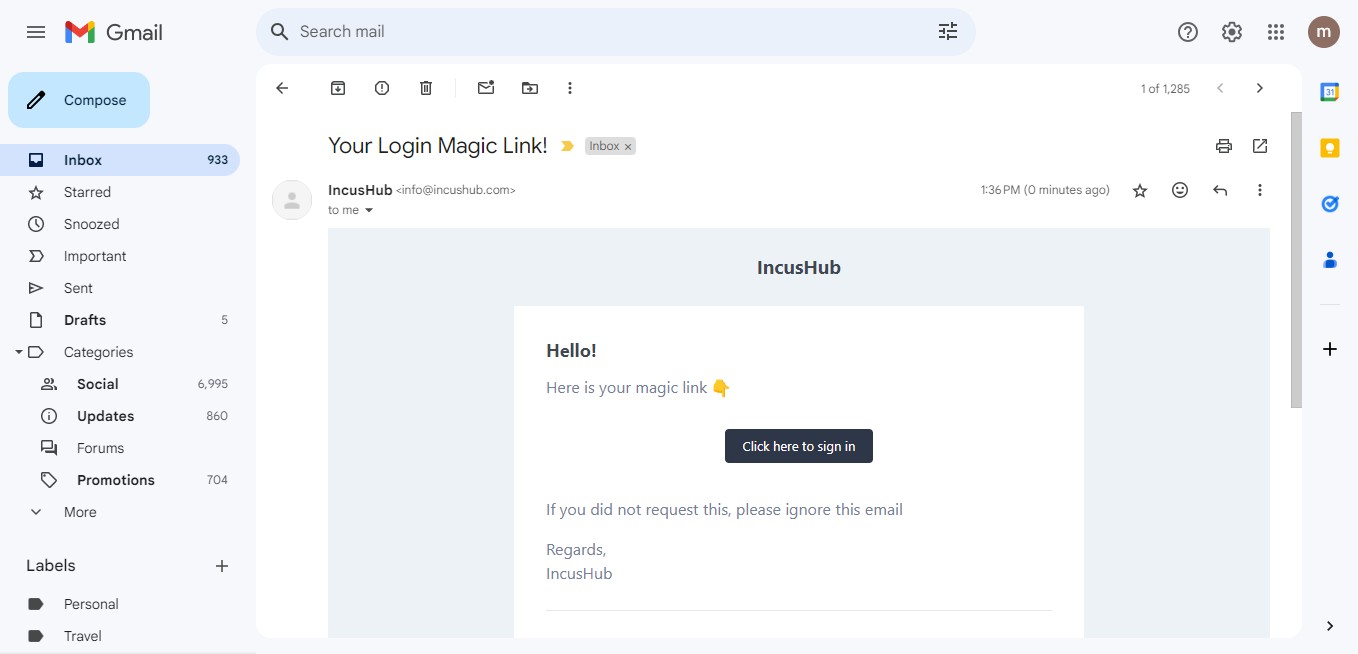
Please access your email account and search for the email titled "IncusHub." If you do not find it in your inbox, kindly check your Spam folder.
6
Open your message and click on "Click here to sign in"
7
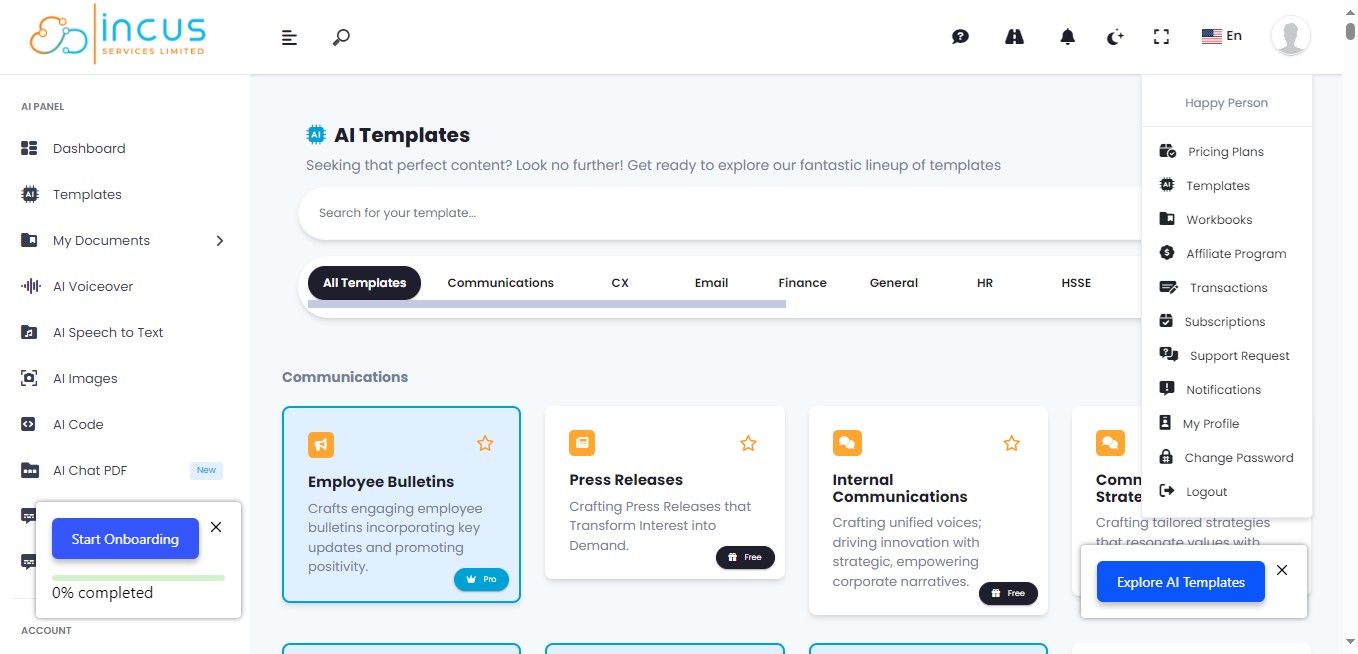
You will now be logged into your new account.
Done 🚀