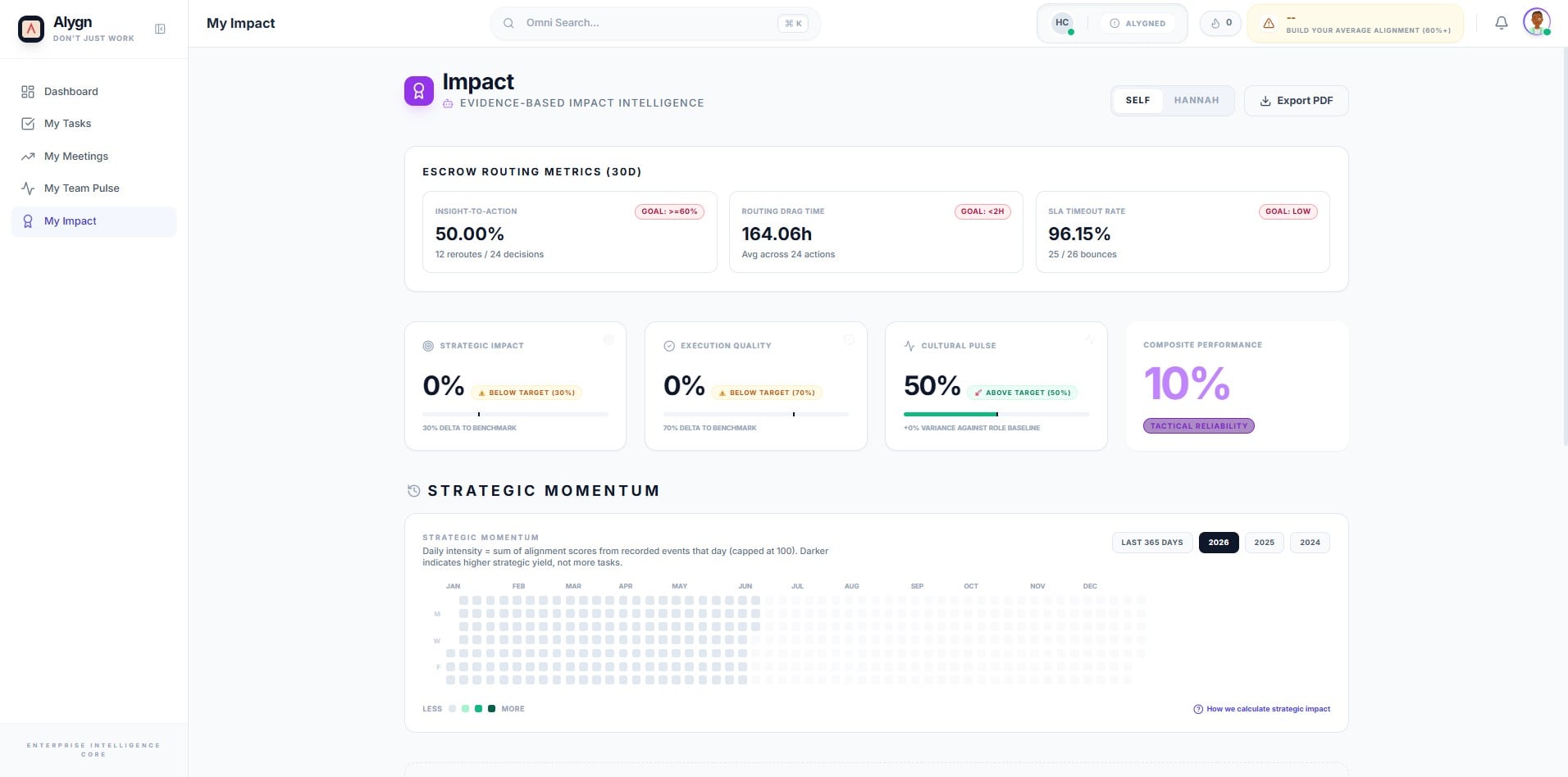
How to View Team Members Currently Active in Alygn
Open your web browser and navigate to https://getalygn.com/app/performance to access the Performance section of the Alygn application. This is your starting point for monitoring team activity.
Once the page loads, you will see a list of team members who are currently active and using Alygn. Their presence status is displayed in real time, allowing you to quickly identify who is online and engaged with the platform.
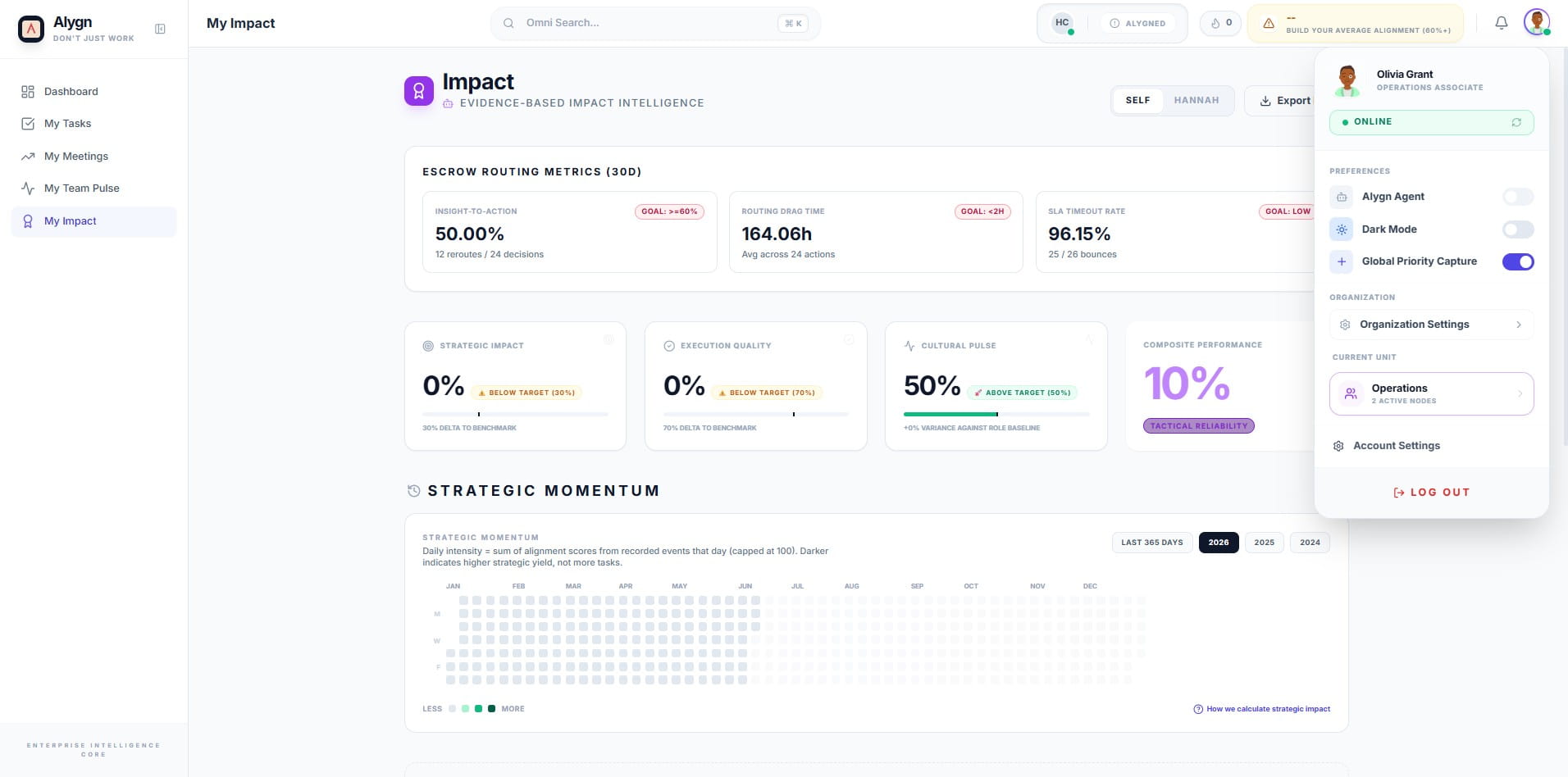
Click the profile icon in the top-right corner of the screen. This will open a dropdown panel displaying your account details, online status, preferences, and organization settings.
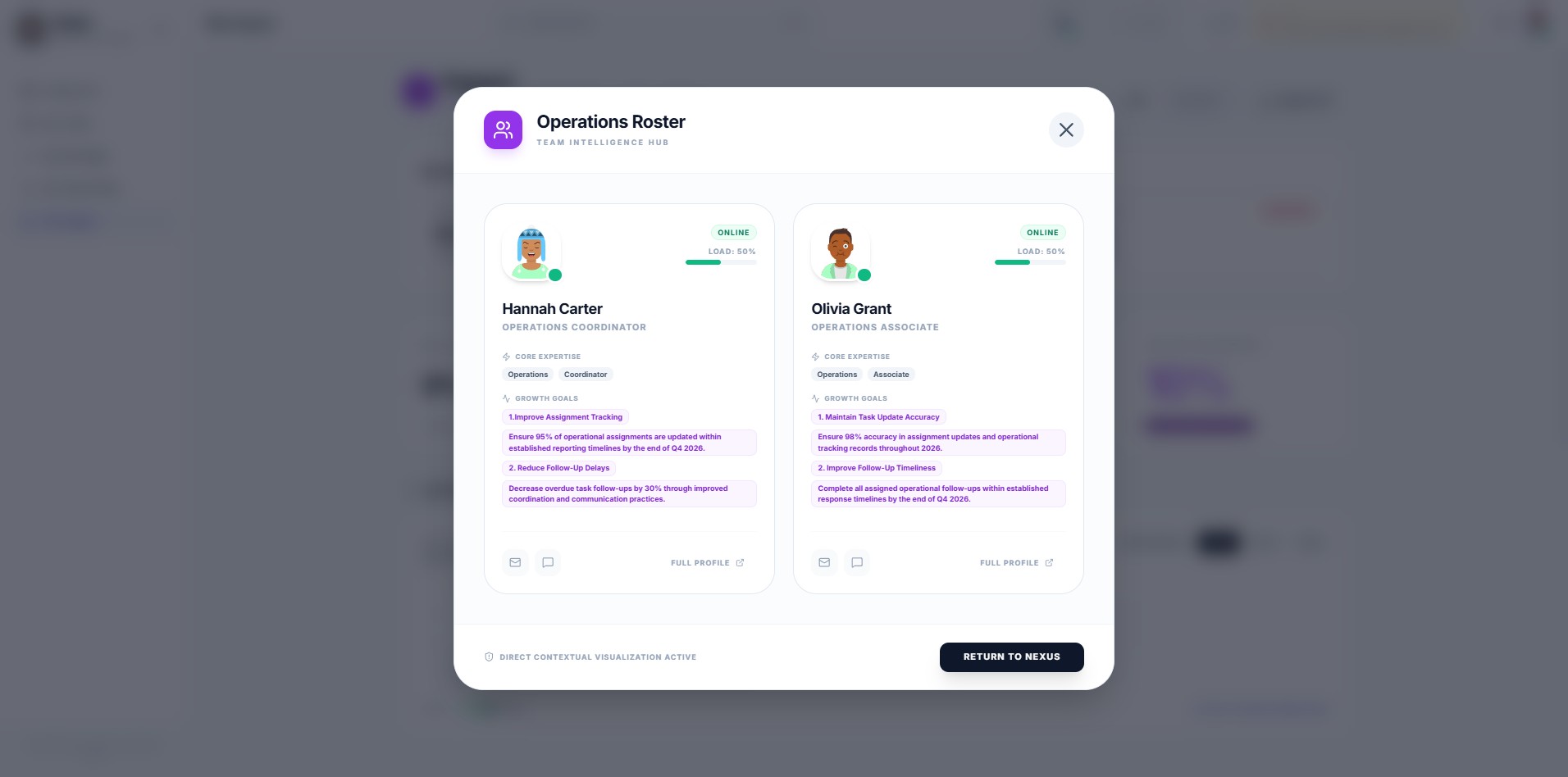
Click the team icon to open the Operations Roster panel. This view, labeled Team Intelligence Hub, displays active team members along with their roles, areas of expertise, and current growth goals, giving you a comprehensive snapshot of your team at a glance.