How to Endorse Team Members in the Pulse Feed
Jun 22, 2026●
1
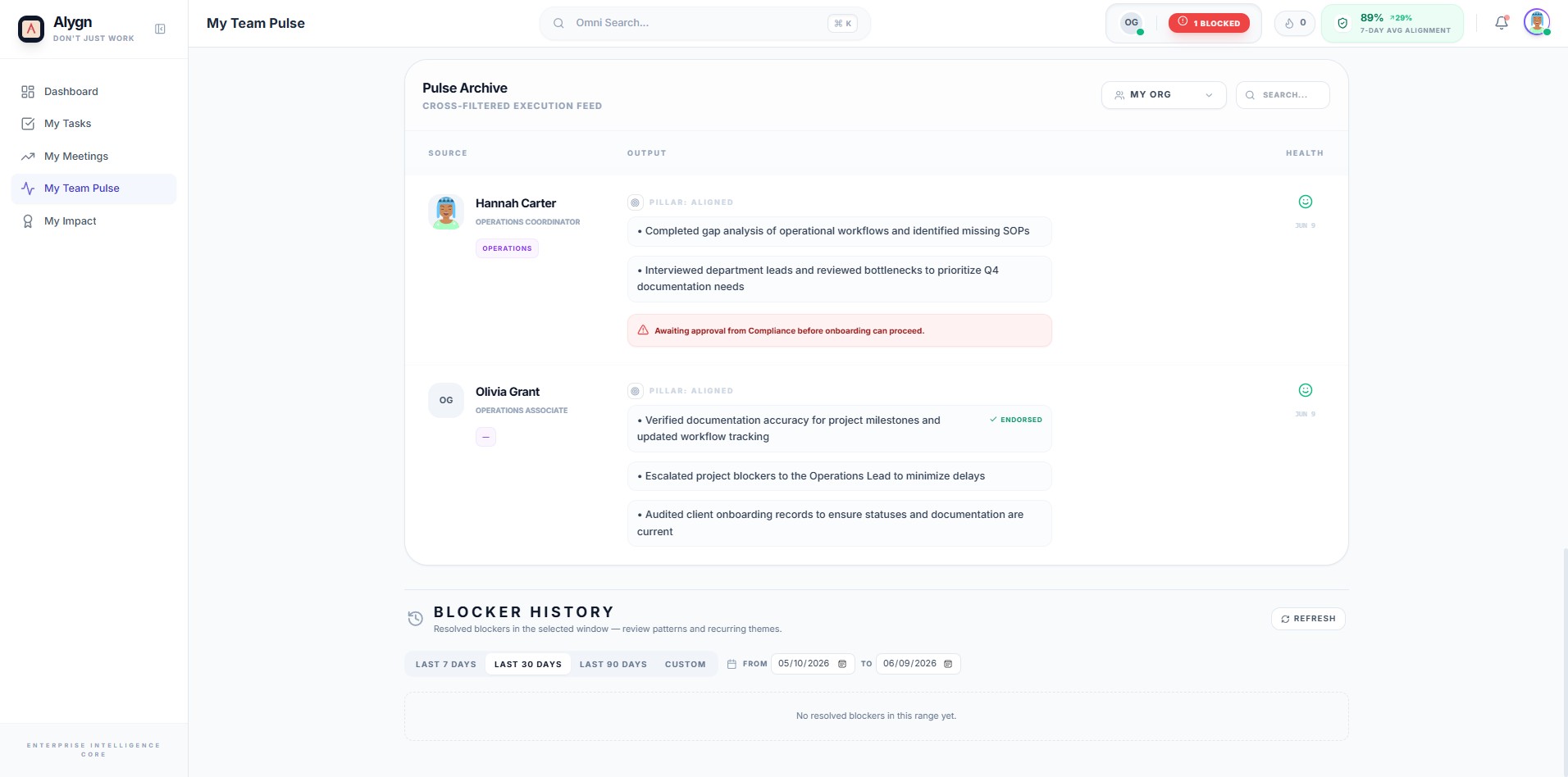
Open your browser and go to https://getalygn.com/app/pulse to access the My Team Pulse page. This is where you can view your team members' recent activity, outputs, and performance updates.
2
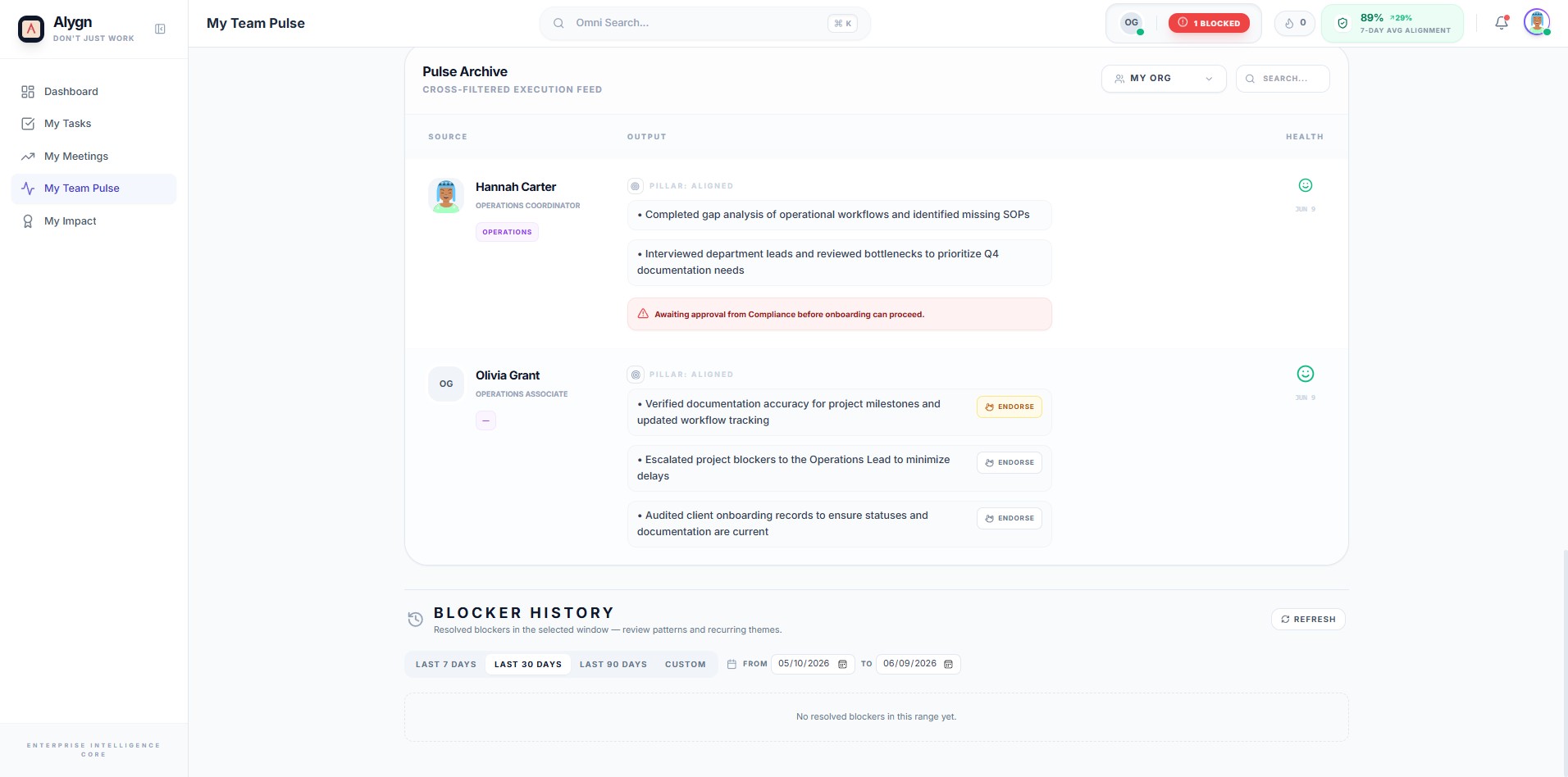
Locate the team member you want to endorse in the Pulse feed, then click the Endorse button next to their entry. Endorsing a team member recognizes their contributions and highlights their performance within your organization.
3
You have successfully endorsed a team member in the Pulse feed. Your endorsement is now recorded and visible to your organization, helping to recognize and celebrate team contributions.