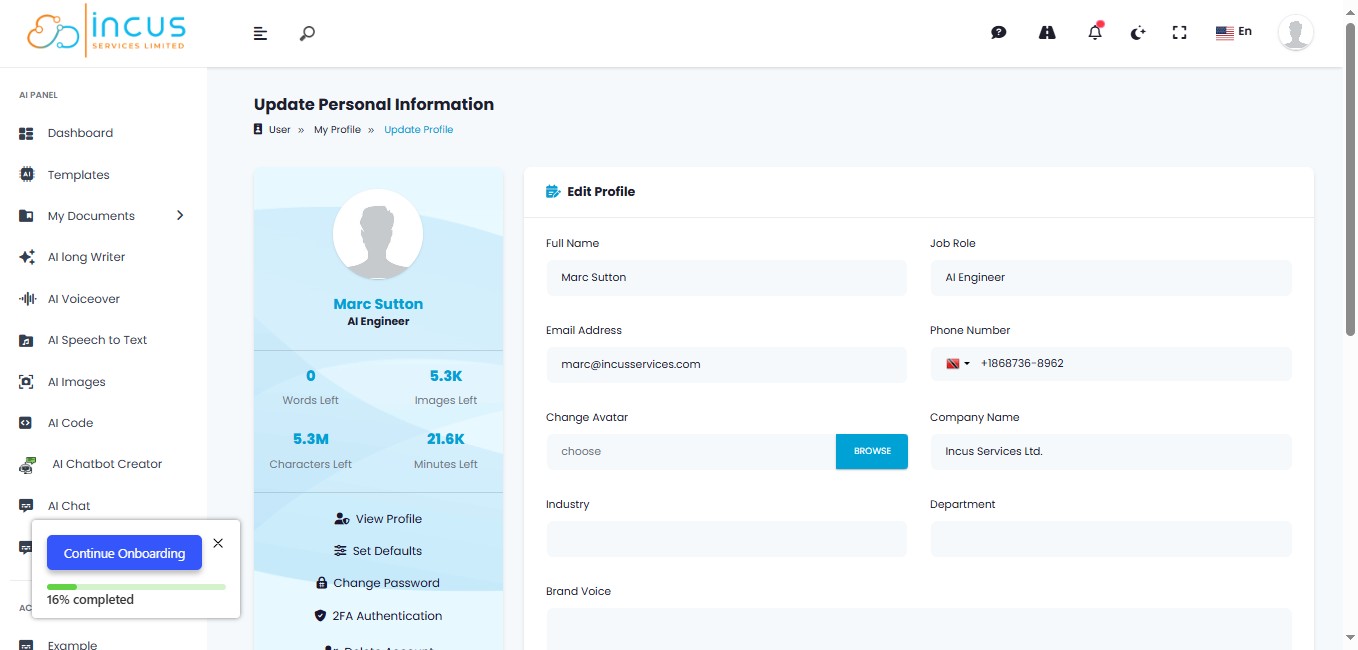
How to Create your Brand Voice
Jun 26, 2025●
1
Navigate to https://incushub.com/user/dashboard and log in with your credentials.
2
Click on "Templates"
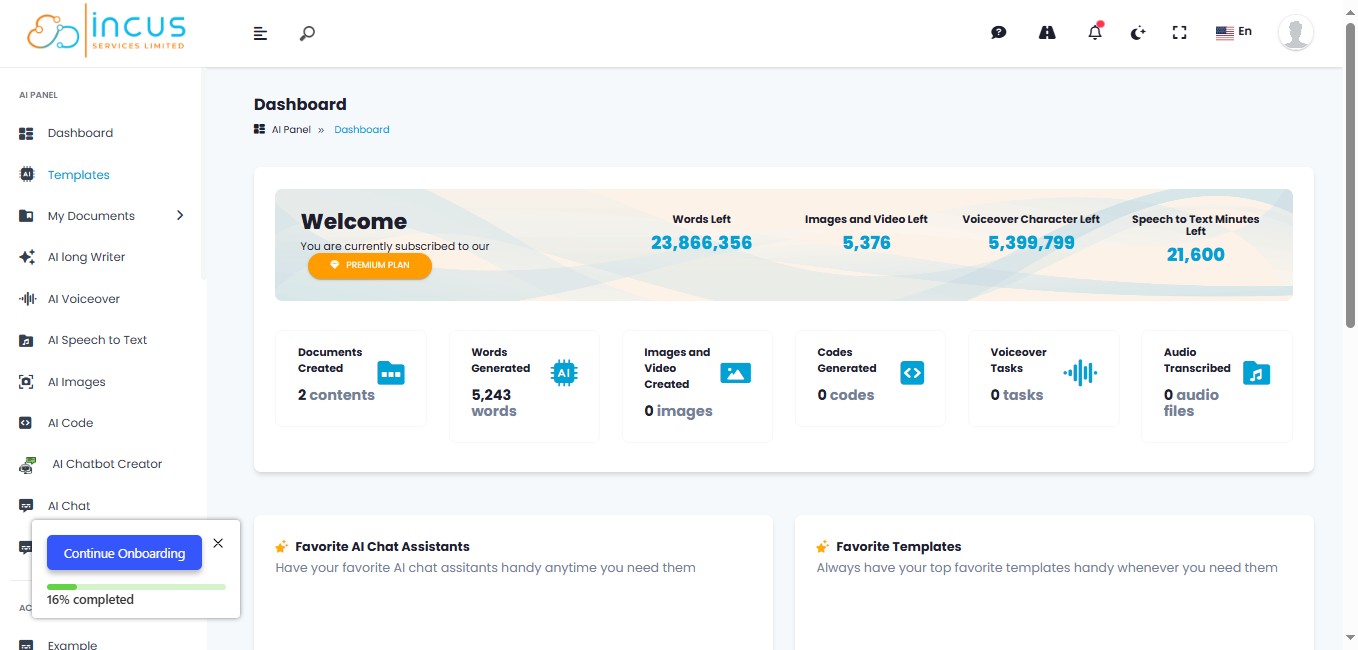
3
Click the "Search for your template..." field and Enter "Brand Voice Creator"
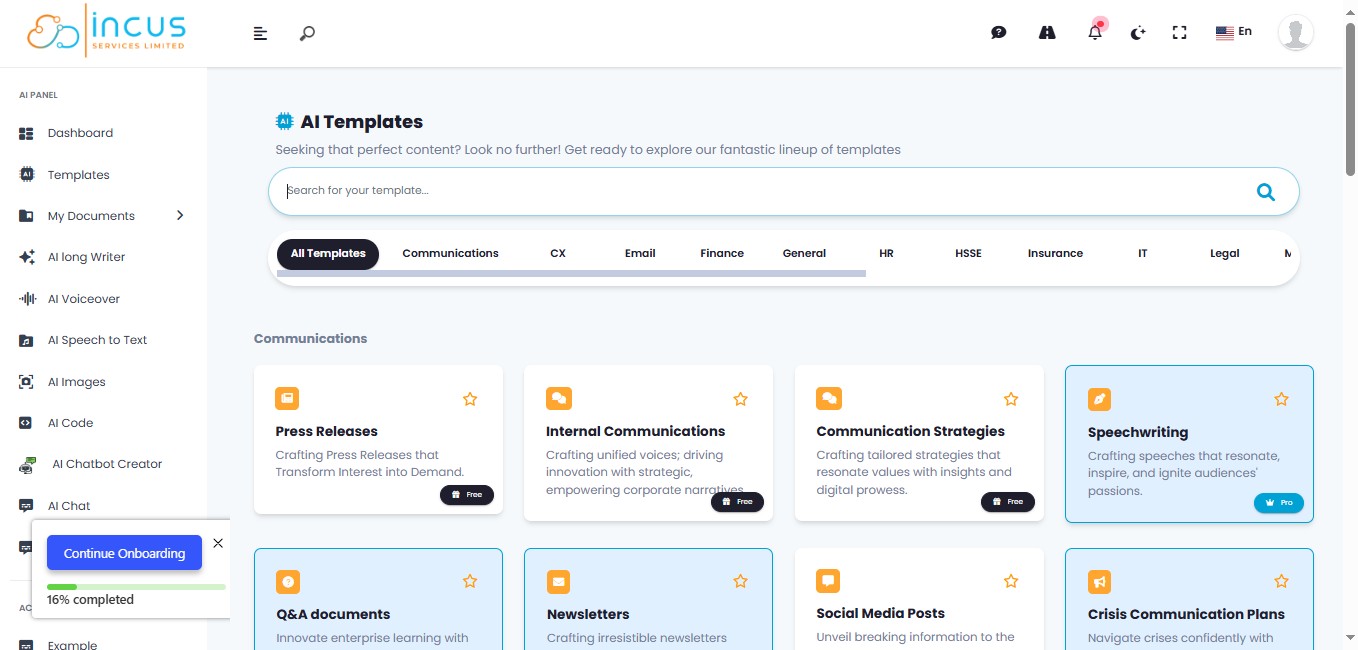
4
Click "Brand Voice Creator"
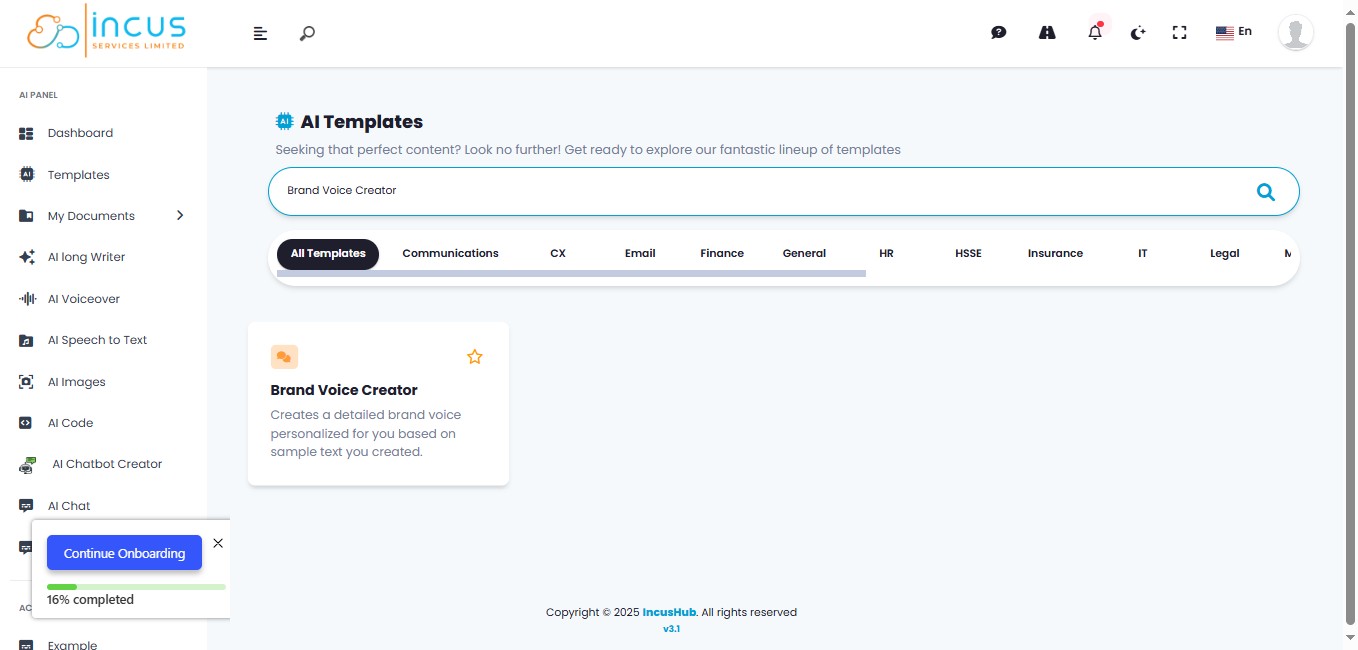
5
Input a sample of text that you have written previously. Choose something that accurately reflects your tone, personality, values, style and language.
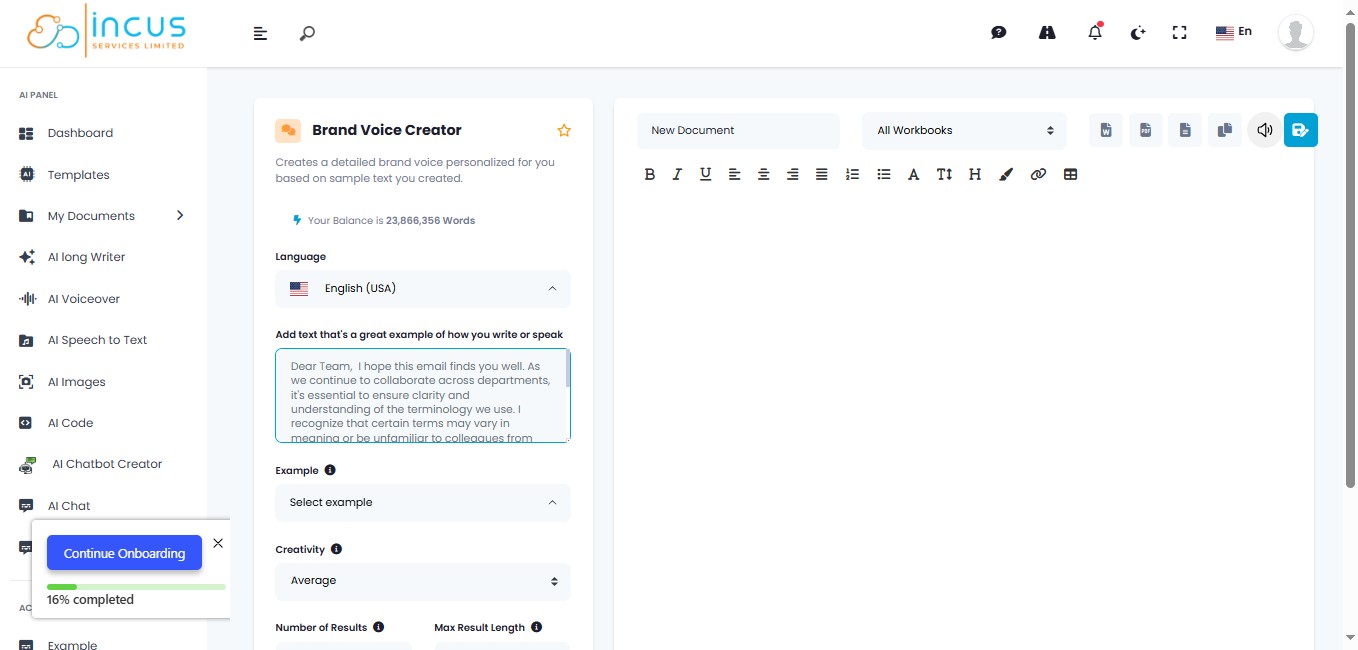
6
Click on "Generate Text"
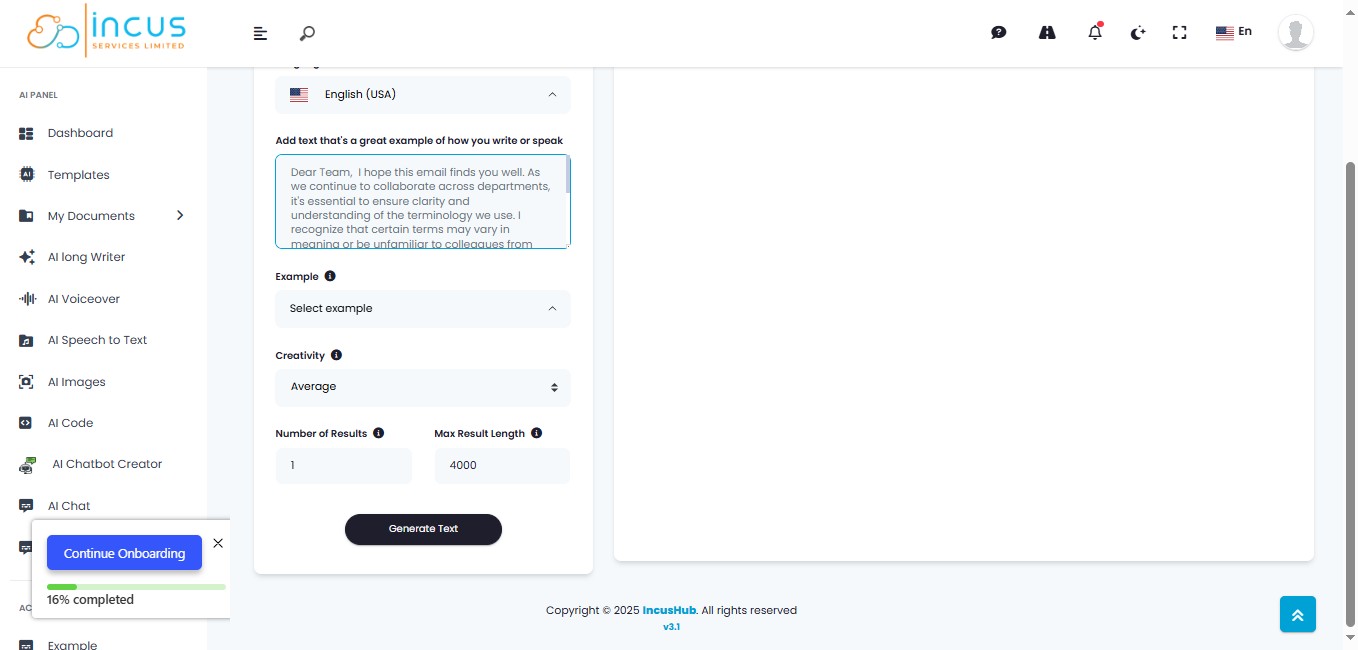
7
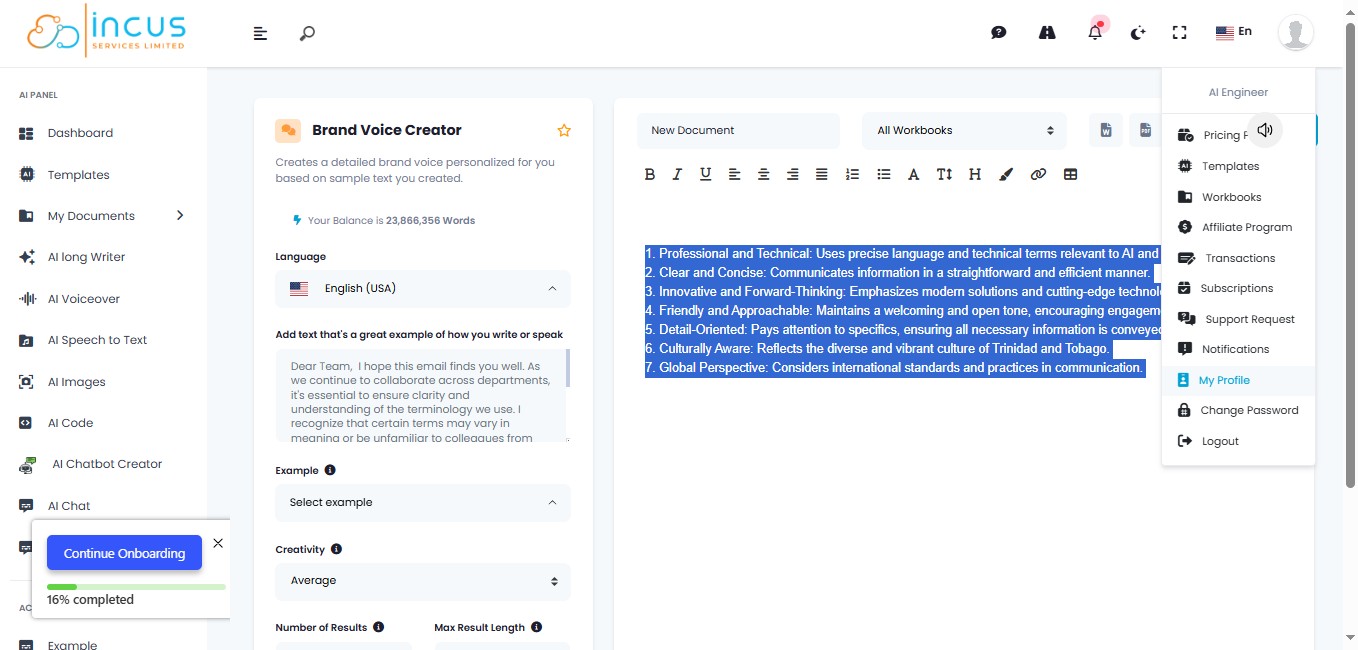
Copy the Generated Text
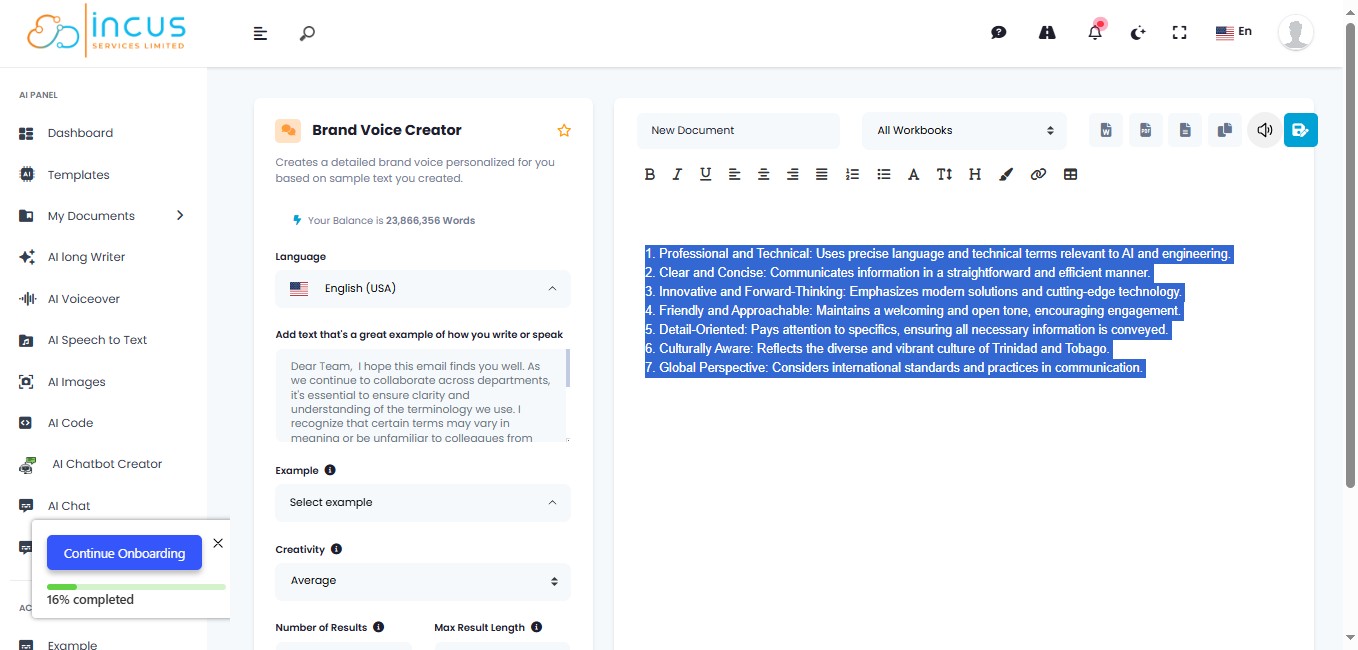
8
Click "Settings" or click your Profile Picture.
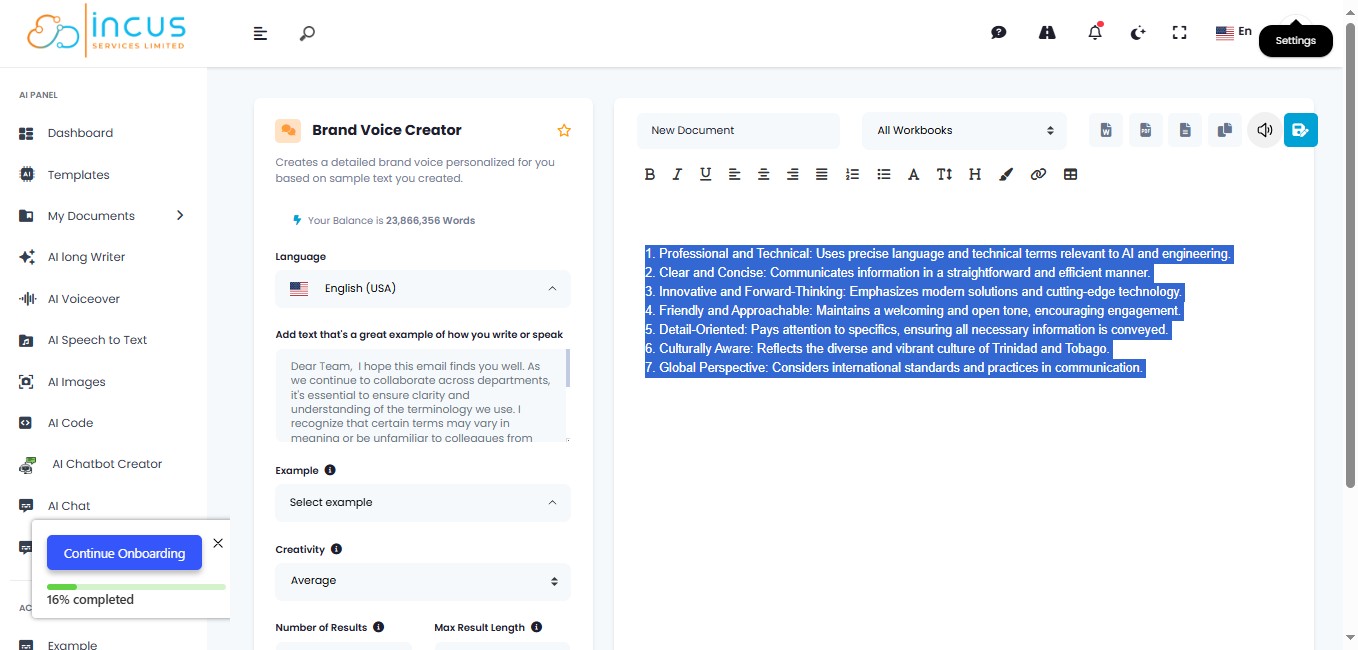
9
Click on "My Profile"
10
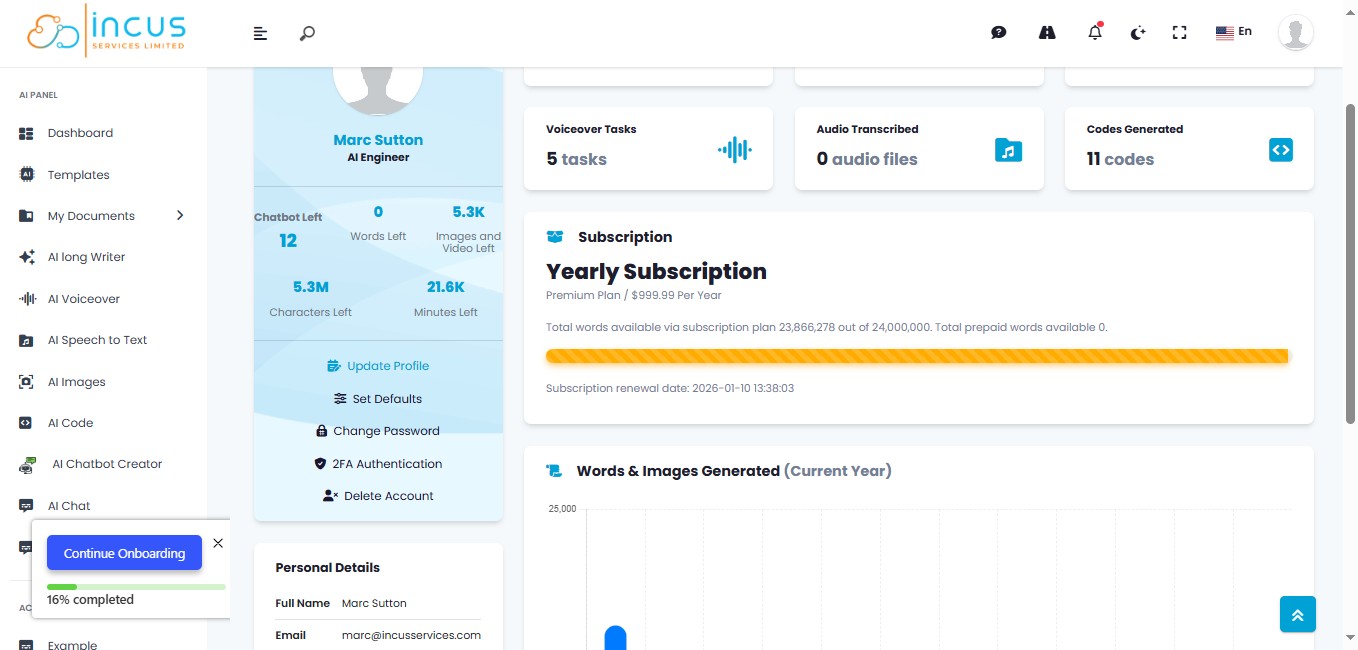
Click on "Update Profile"
11
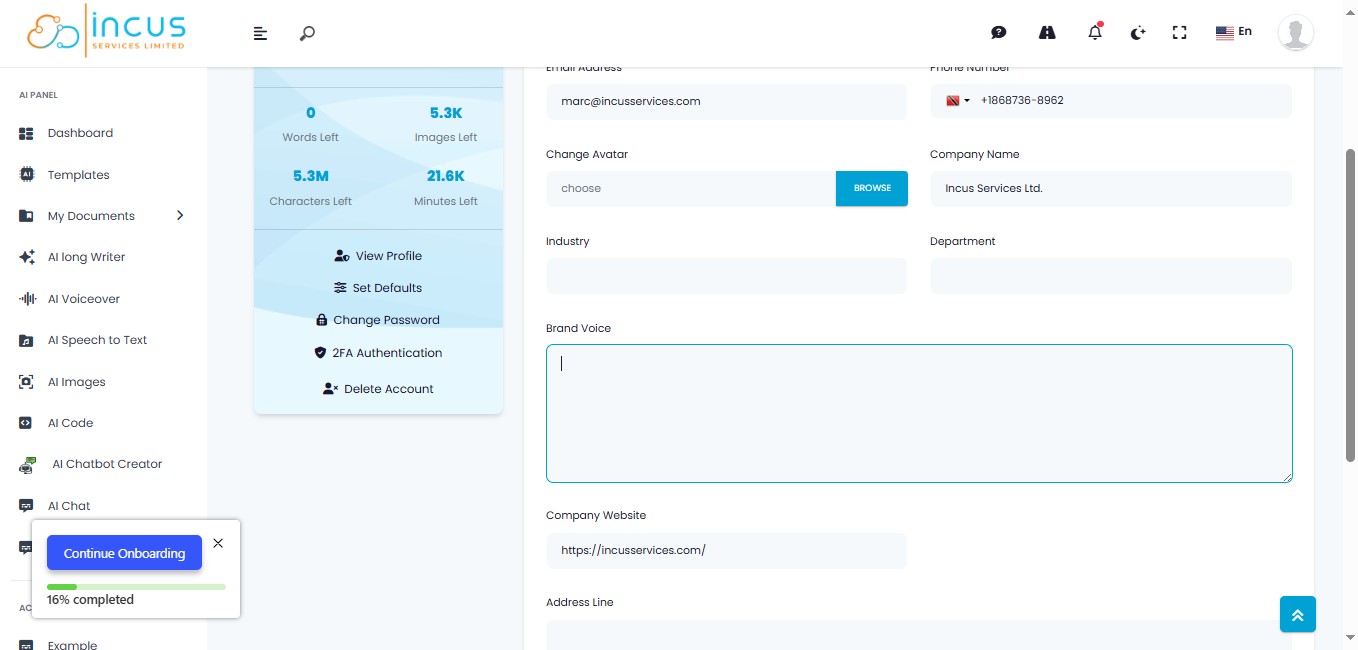
Click the "Brand Voice" text field. And Paste the generated text
12
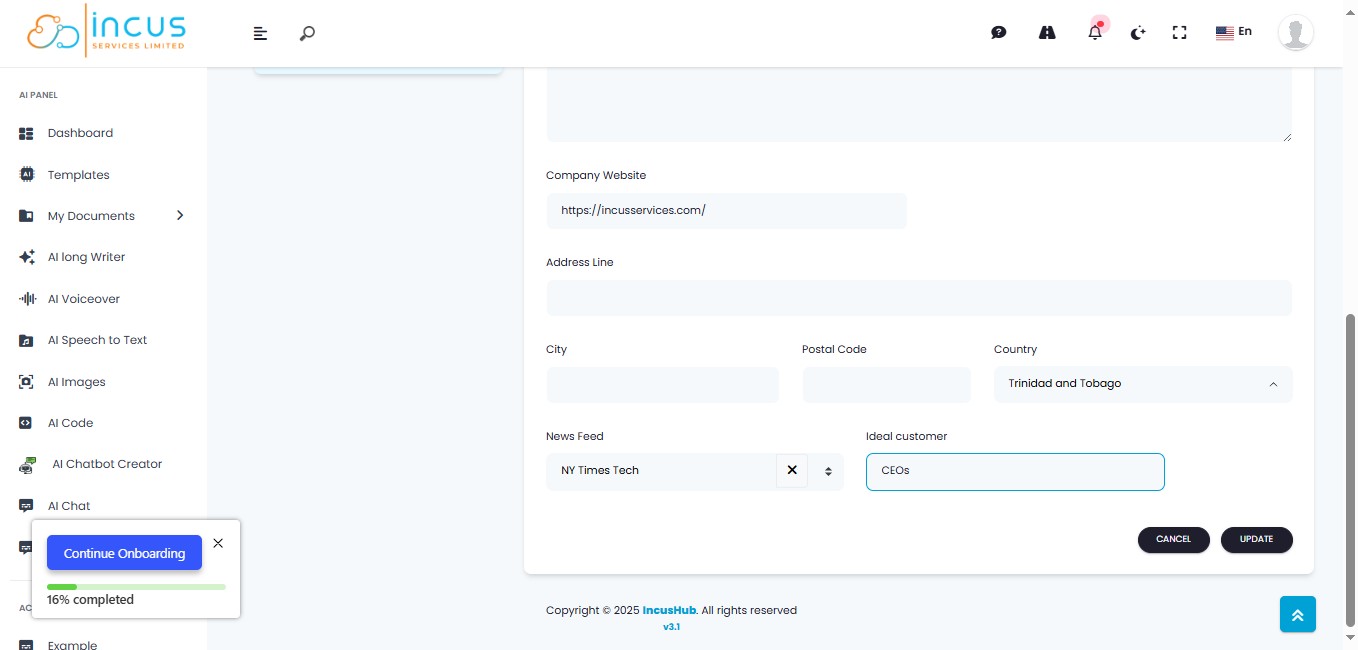
Click on "Update"
13
You're all Done! 🚀